
Why Aurora Fantasy is a top-tier shader mod for Minecraft 1.21.11
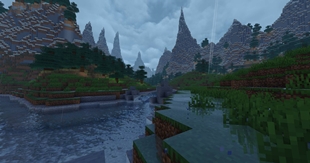
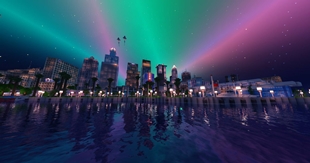
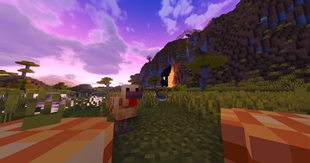
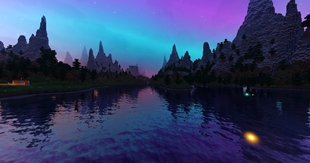
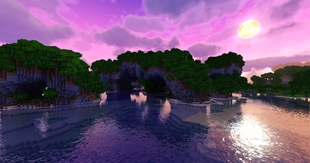
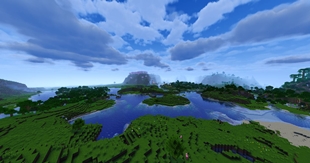
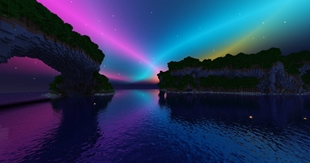
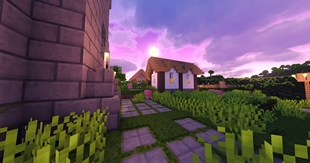
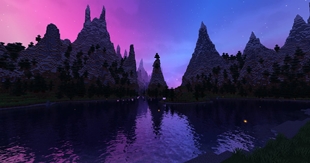
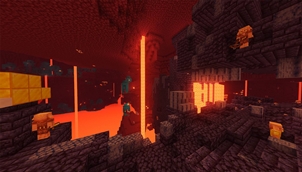
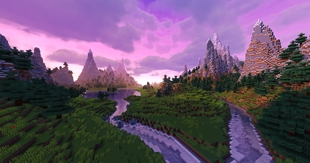
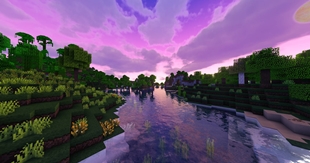
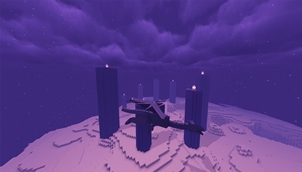
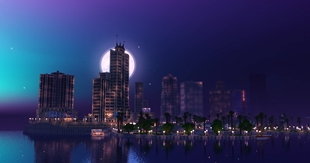
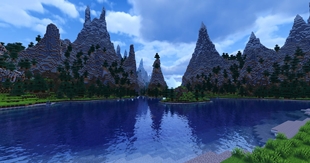
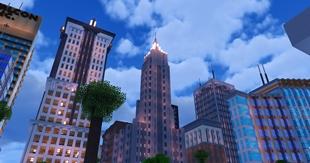
Transform Minecraft into a magical fantasy world featuring glowing night fireflies, shimmering Auroras, vibrant cinematic lighting, and dynamic weather.
⚙️ Quick Resource Specs
| Mod Creator | in2bubble |
| Latest Version | 1.21.11 |
| Supported Game Versions | 1.21.11, 1.21.10, 1.21.9, 1.21.8, 1.21.7 |
| File Size | 13.77 MB |
| Last Updated | |
| Total Downloads | 539,551 downloads |
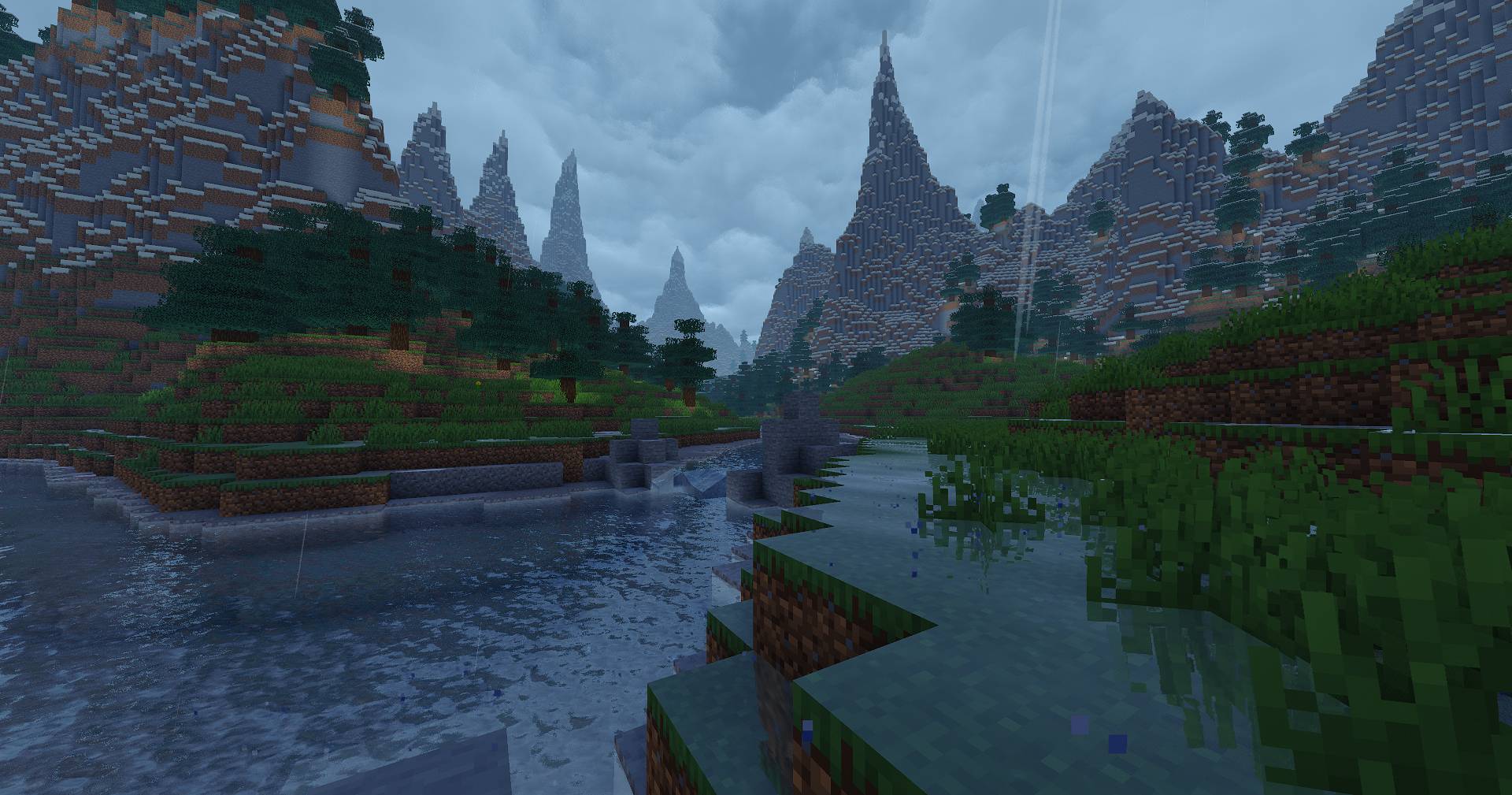

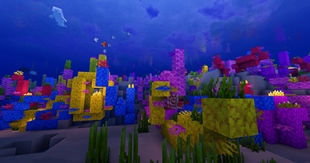
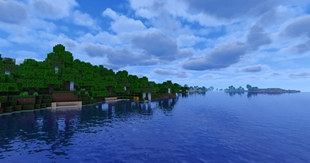
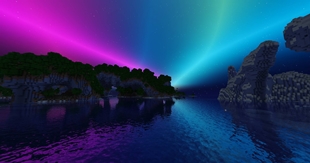
Aurora Fantasy is a Minecraft shader pack designed to transform your world into a magical, dreamlike, and cinematic atmosphere. It focuses on vibrant fantasy lighting, glowing night fireflies, rich colors, and enchanting night skies featuring the Northern Lights (Auroras).

Aurora Visual Variety & Enhancements: Added more dynamic variations to the Northern Lights movement and improved overall aurora visuals.
Rain Atmosphere Improvements: Enhanced rainy weather aesthetics and atmospheric effects.
Render Distance Horizon Fix: Resolved the white glare artifact at the edge of the render distance.
Sun Visuals & Interaction Overhaul: Added interactive lighting effects and improved the sun's appearance.

This project offers two distinct visual style options:
Aurora Fantasy: Designed for a classic fantasy aesthetic with vibrant color palettes and a magical aurora vibe.
Aurora Astral: Focused on a deep cosmic experience with celestial bodies, galactic skies, and animated astral rifts.
------------------------- Aurora Astral -------------------------------------------------- Aurora Fantasy ---------------------------
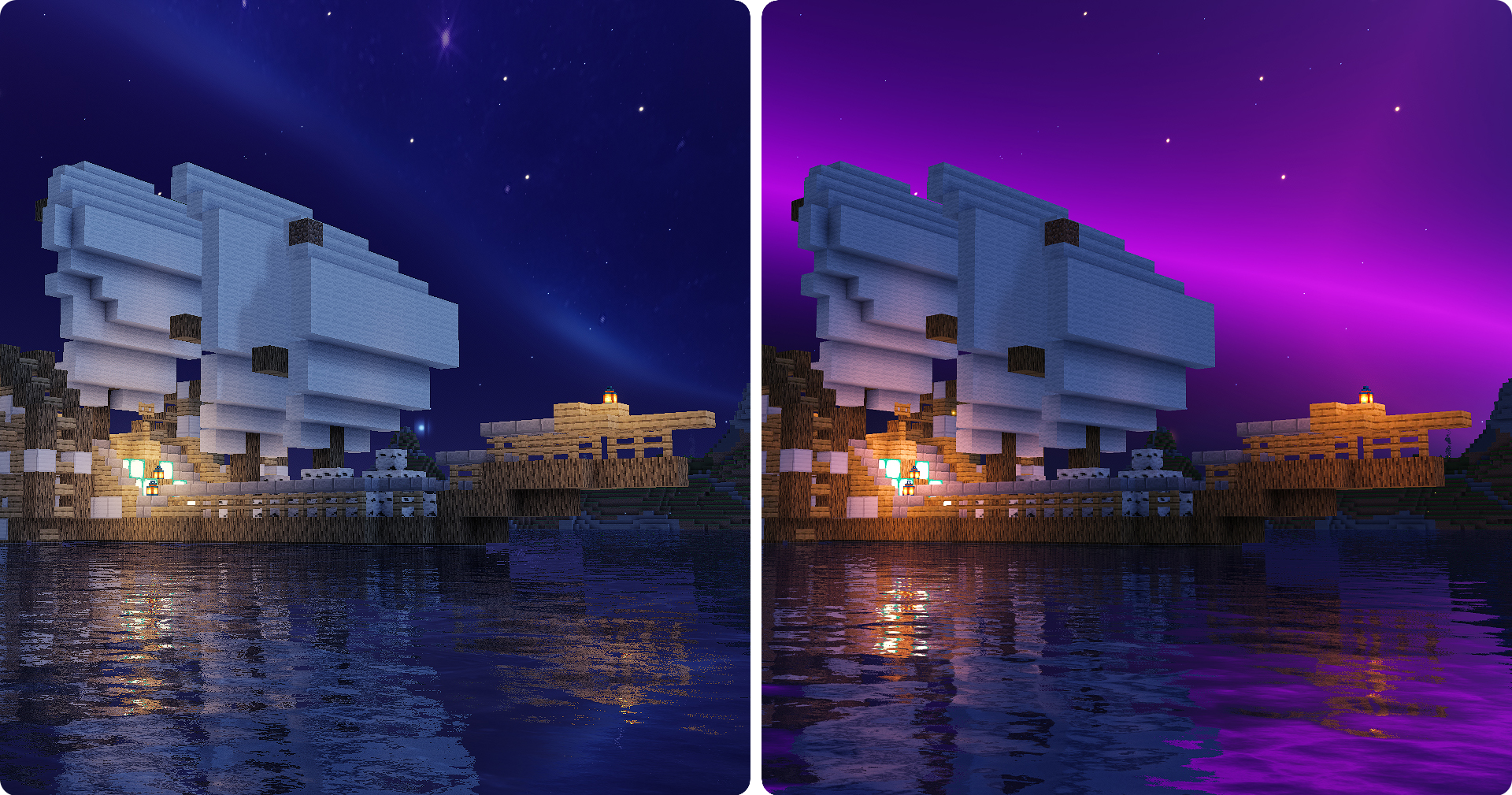

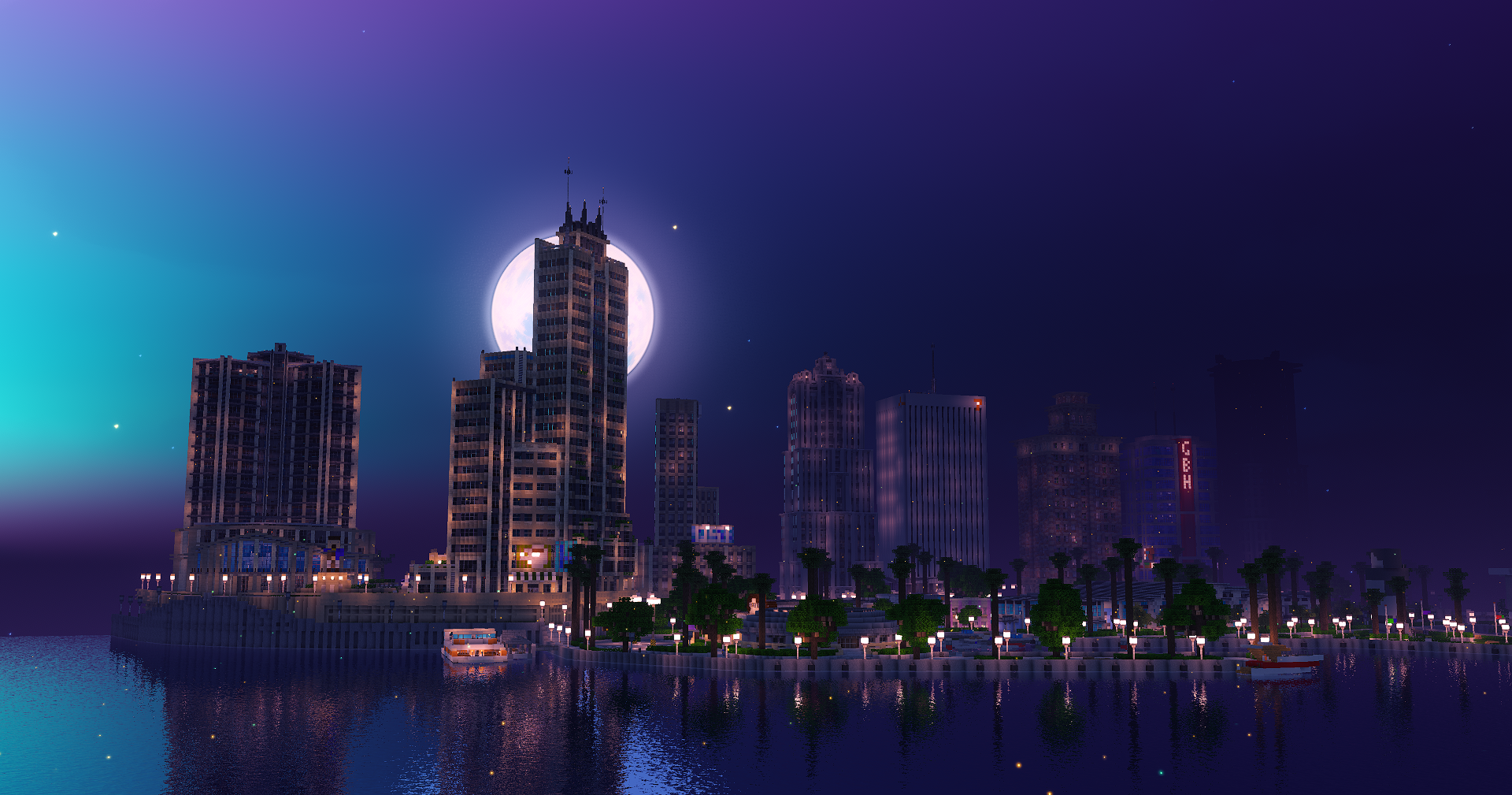
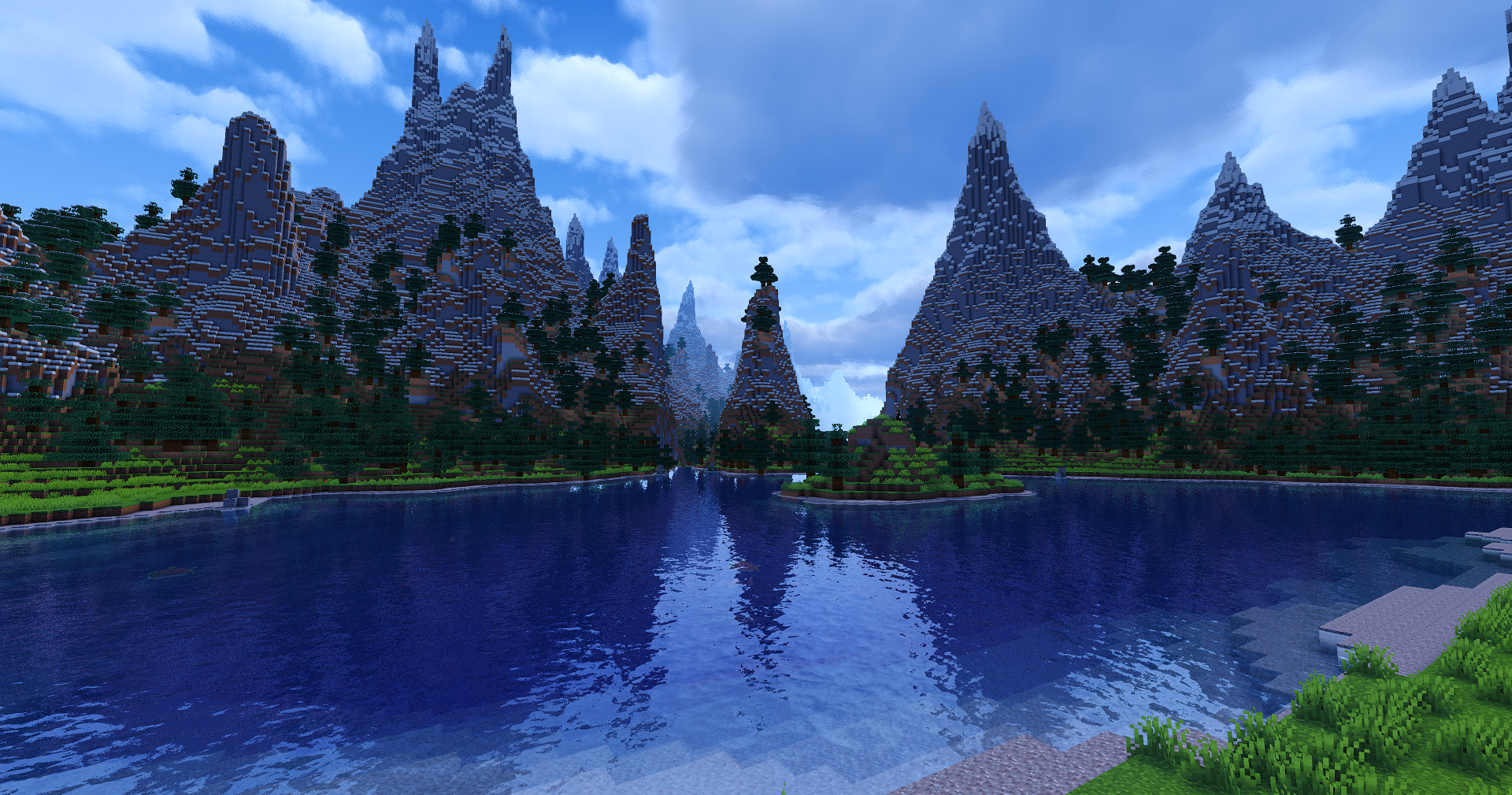
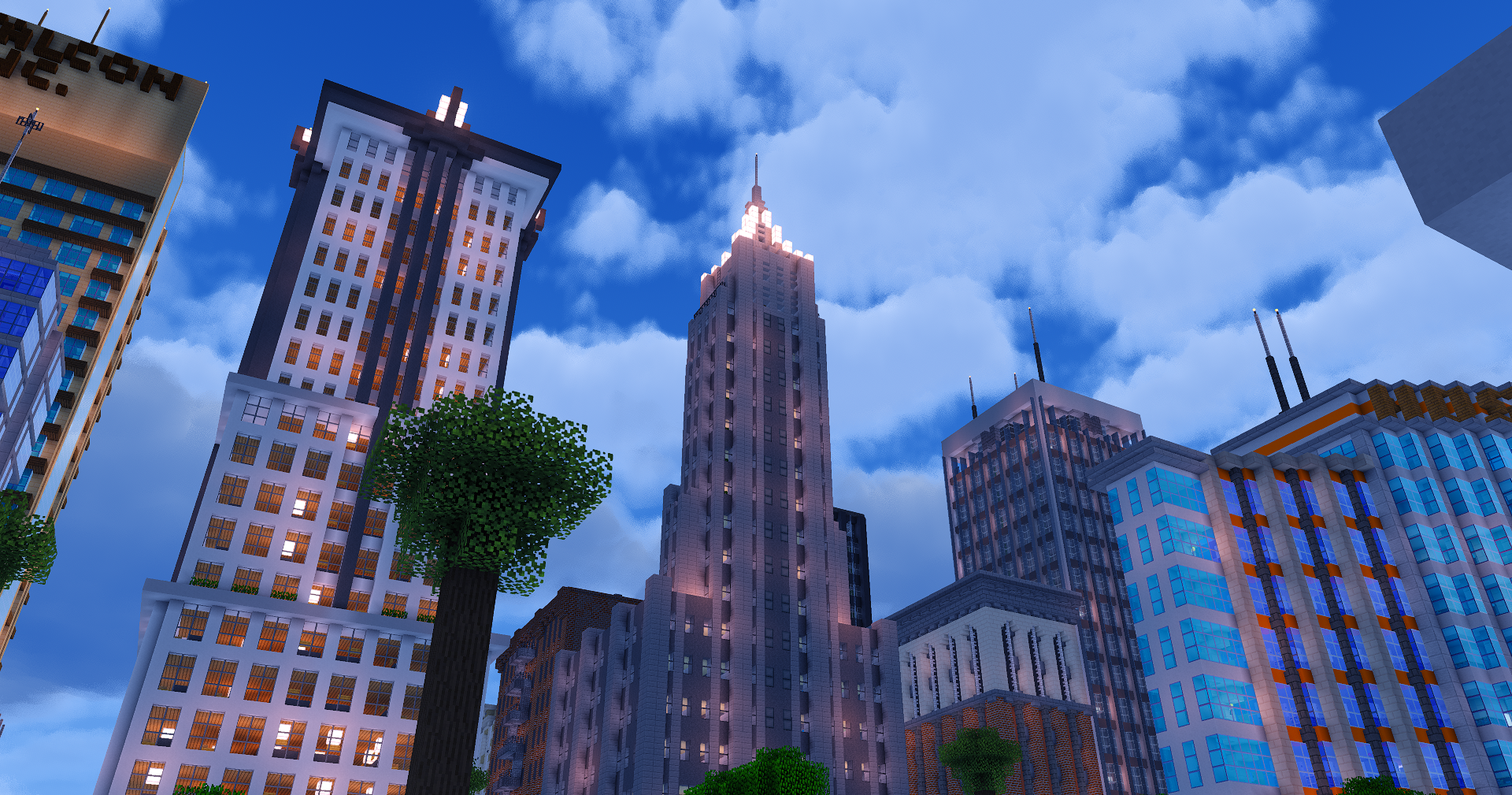
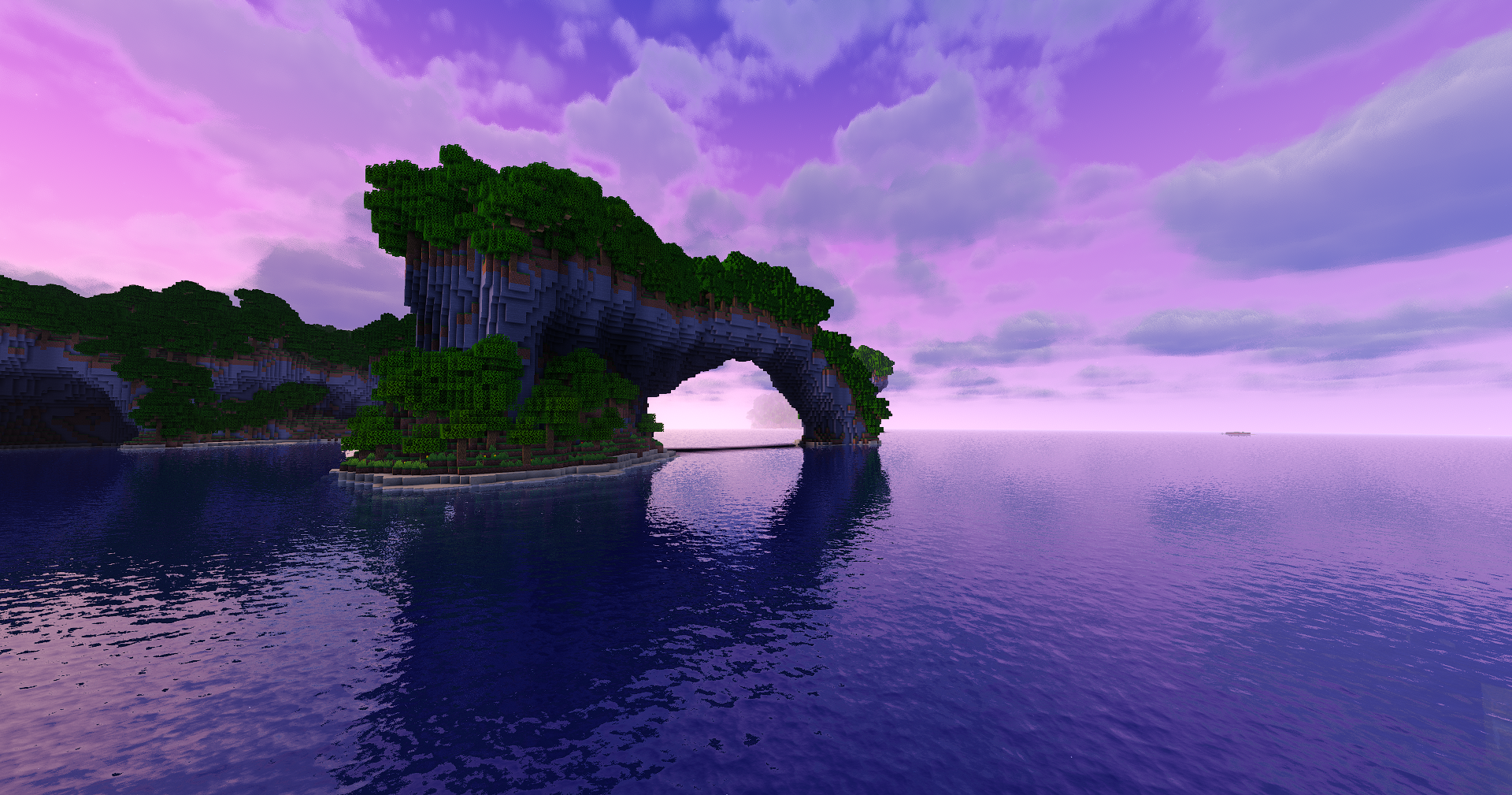
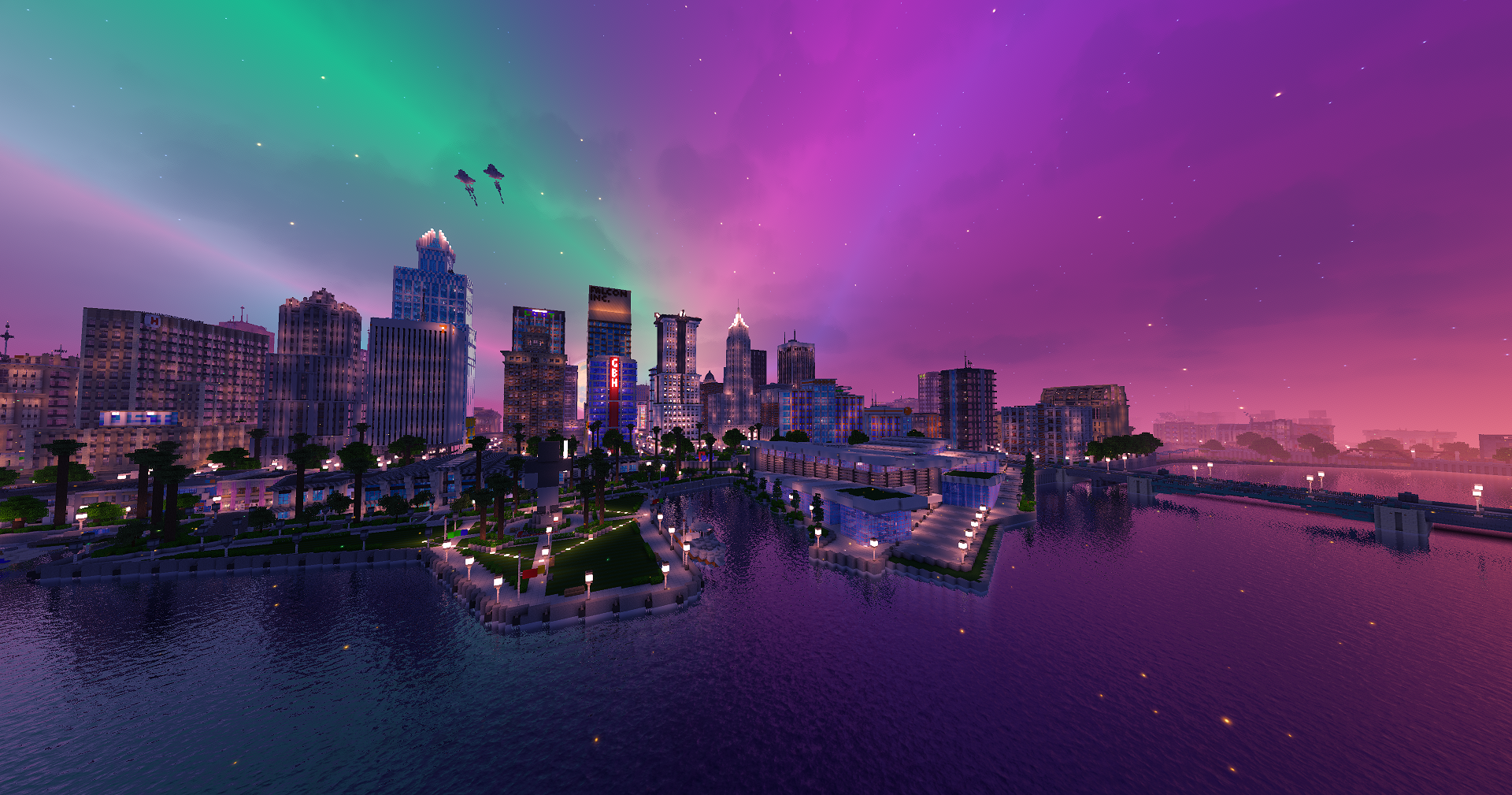
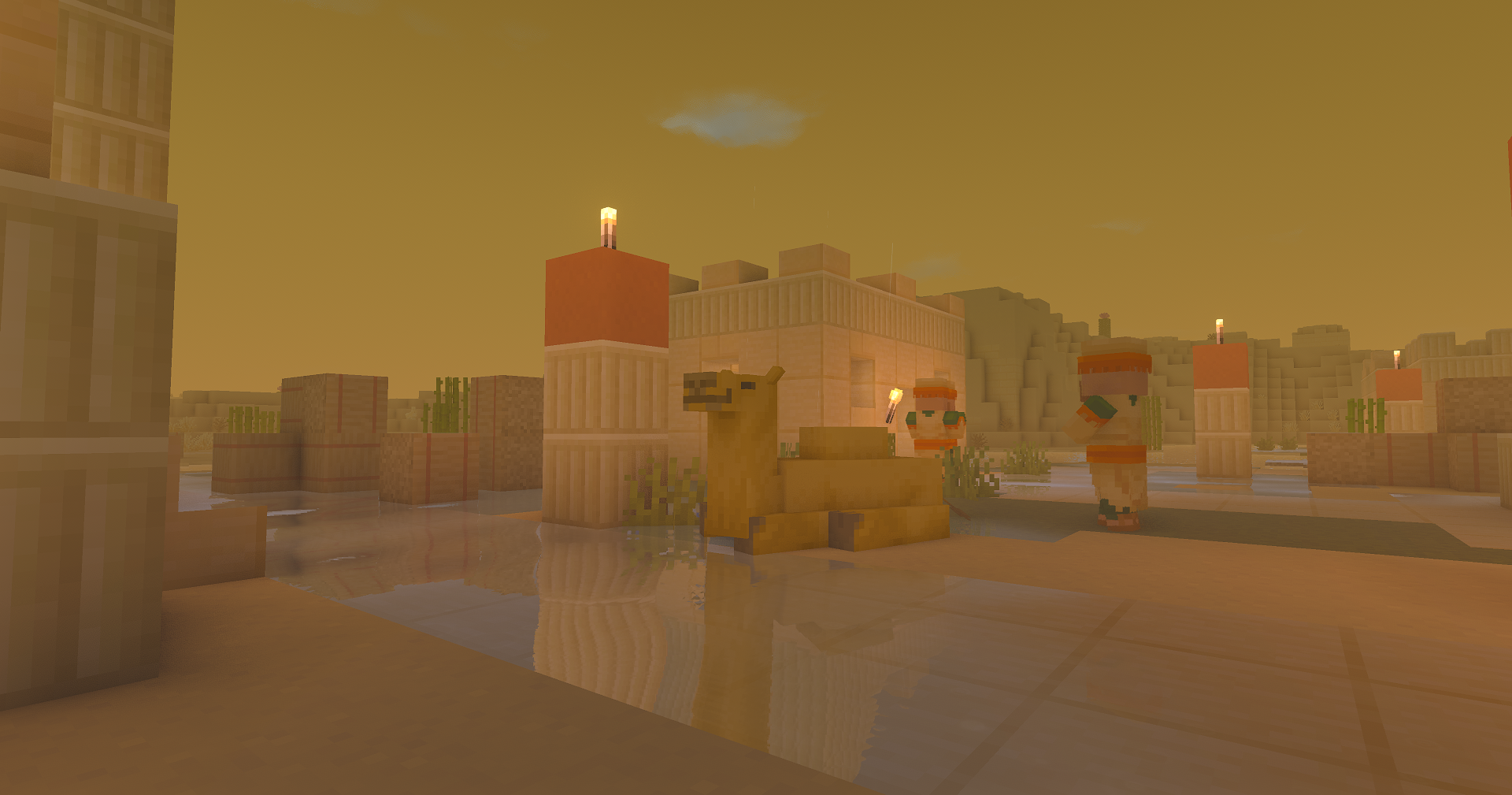
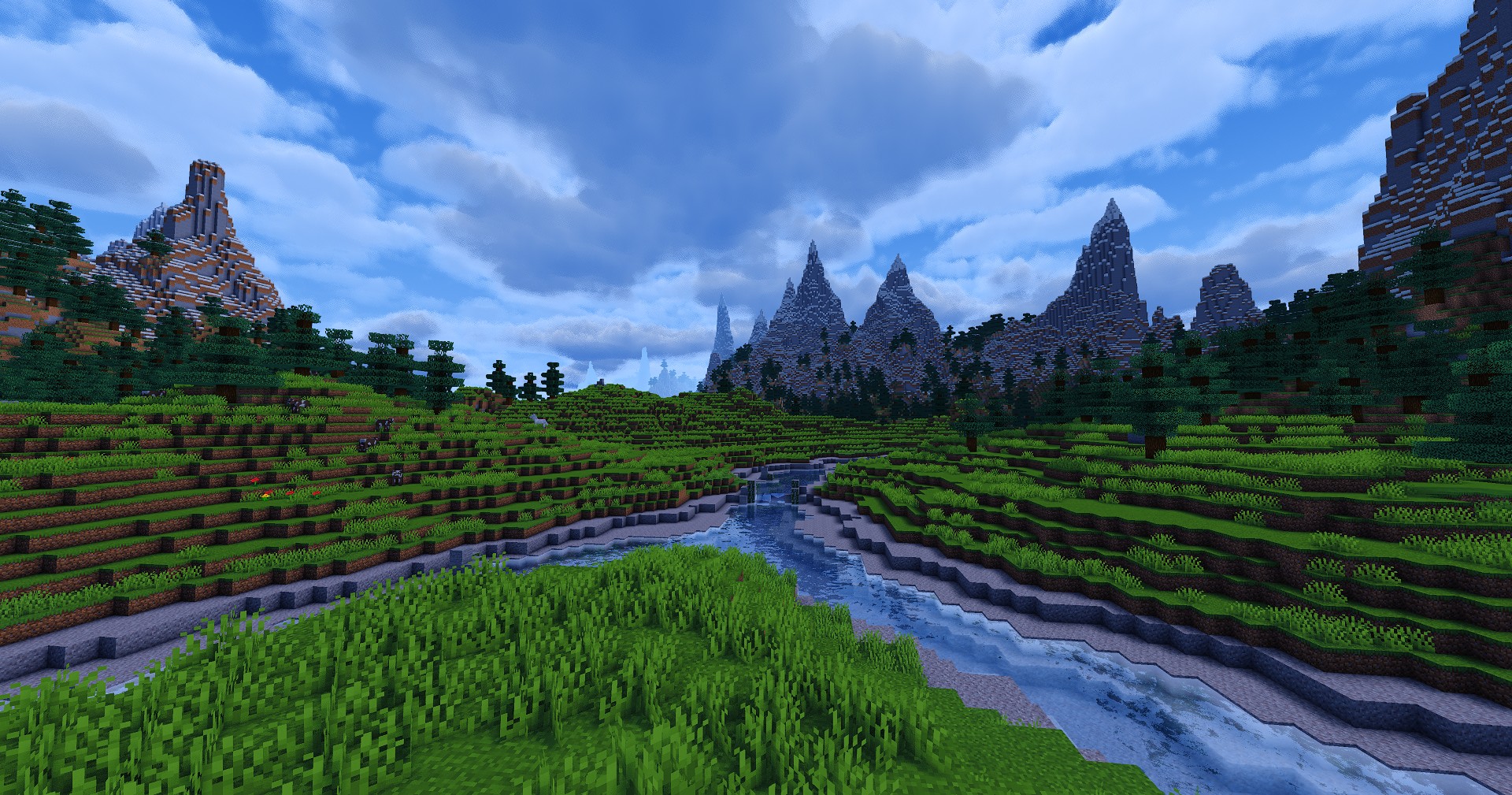
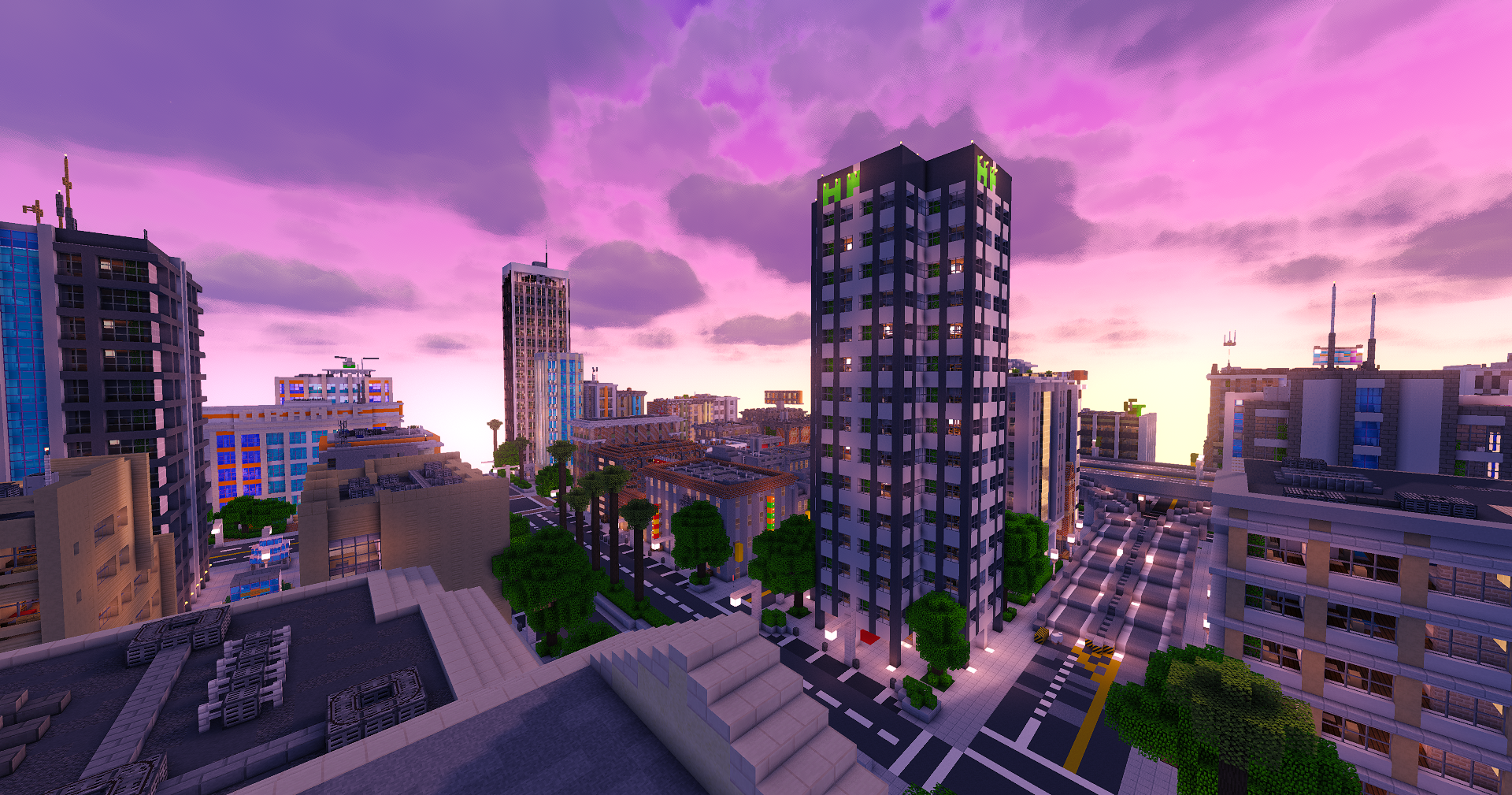
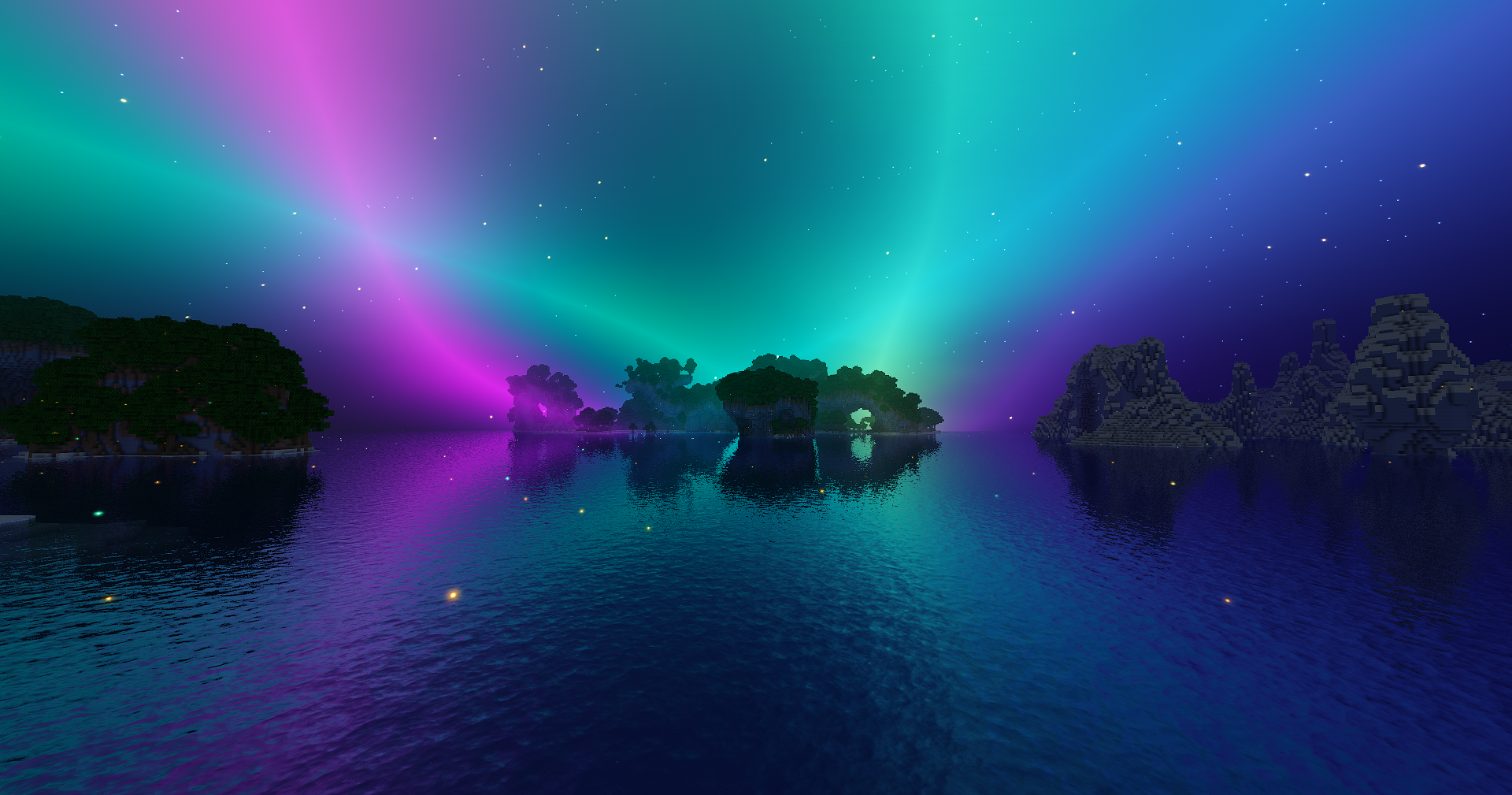
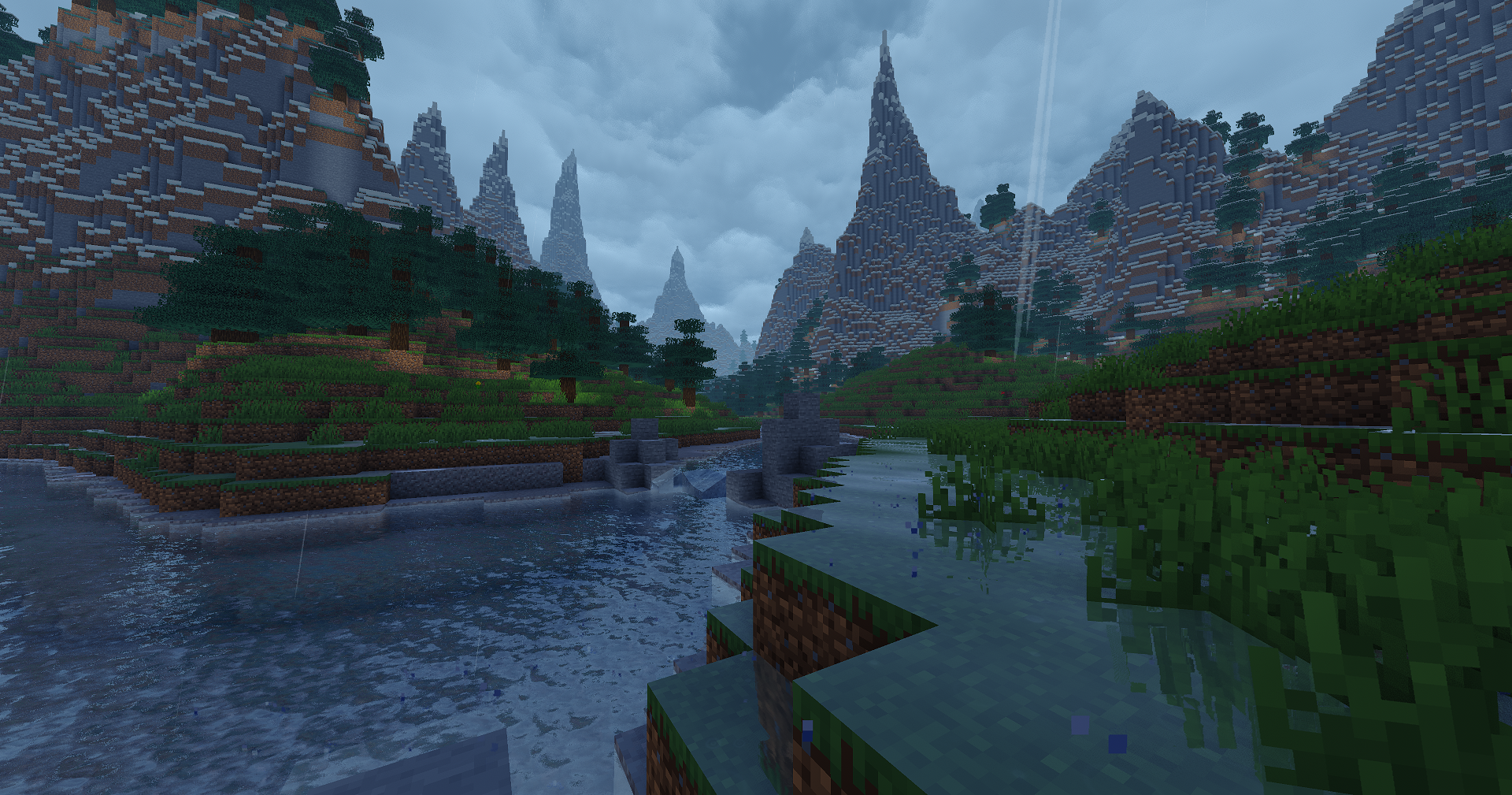
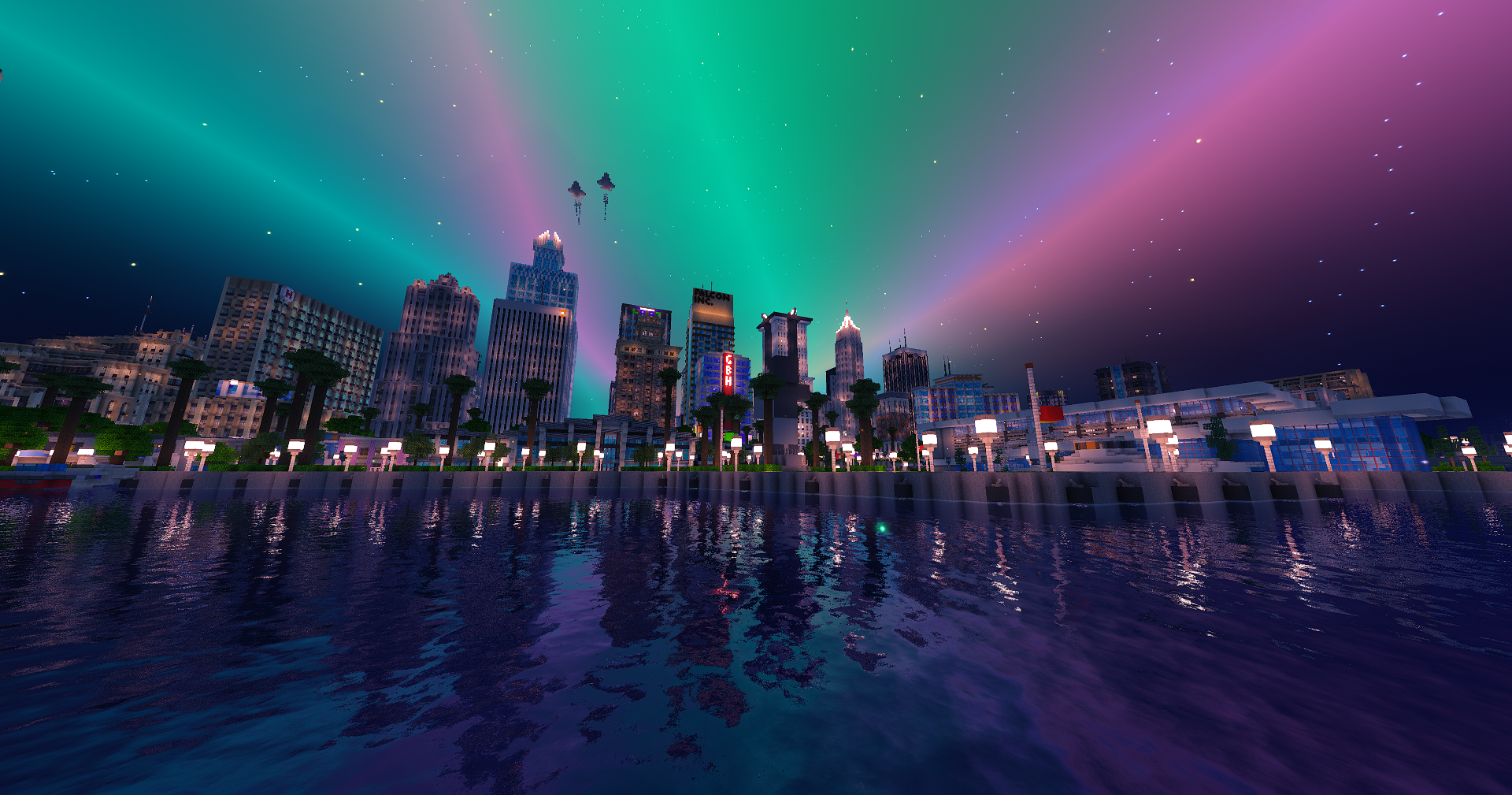
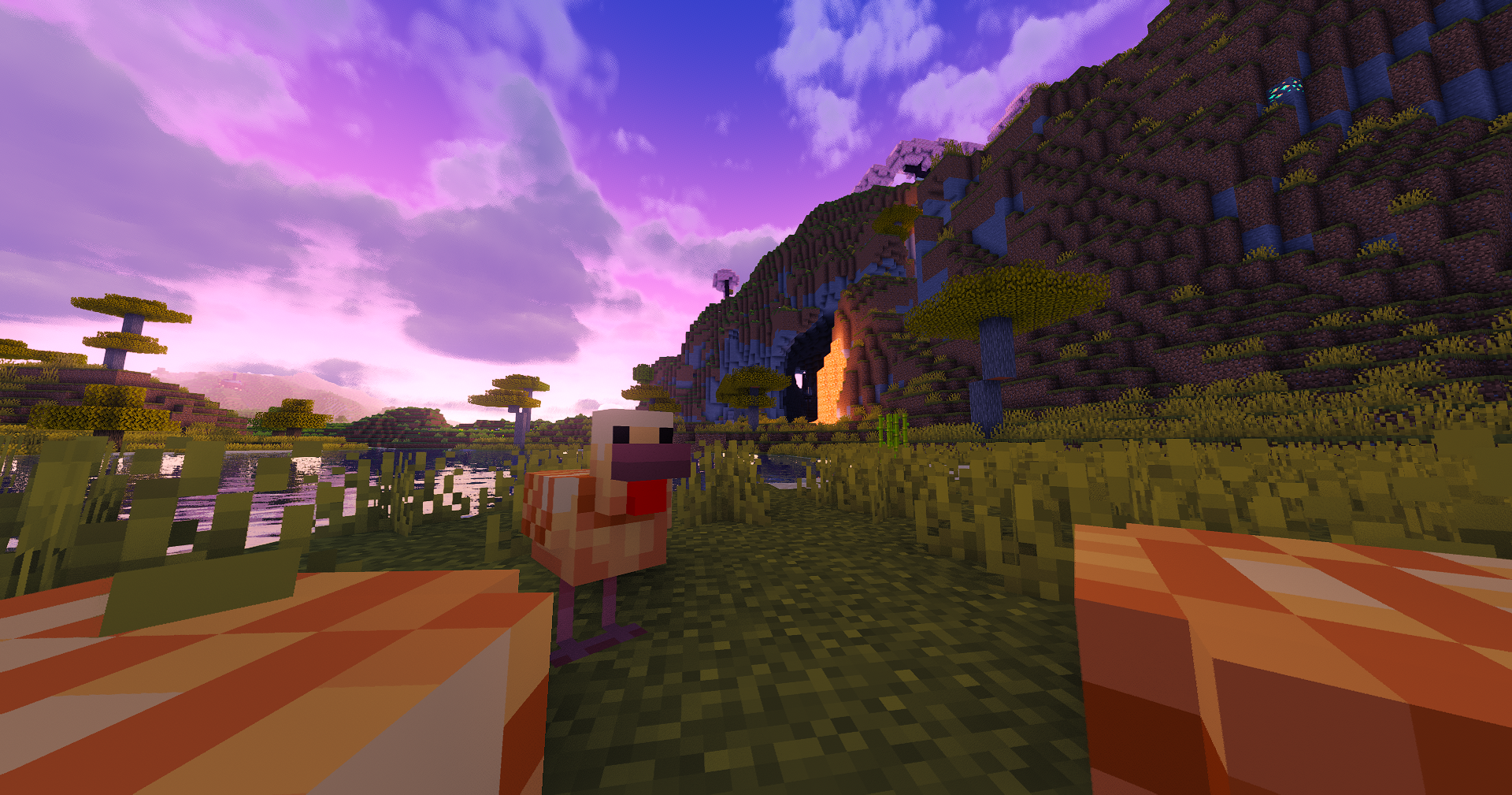
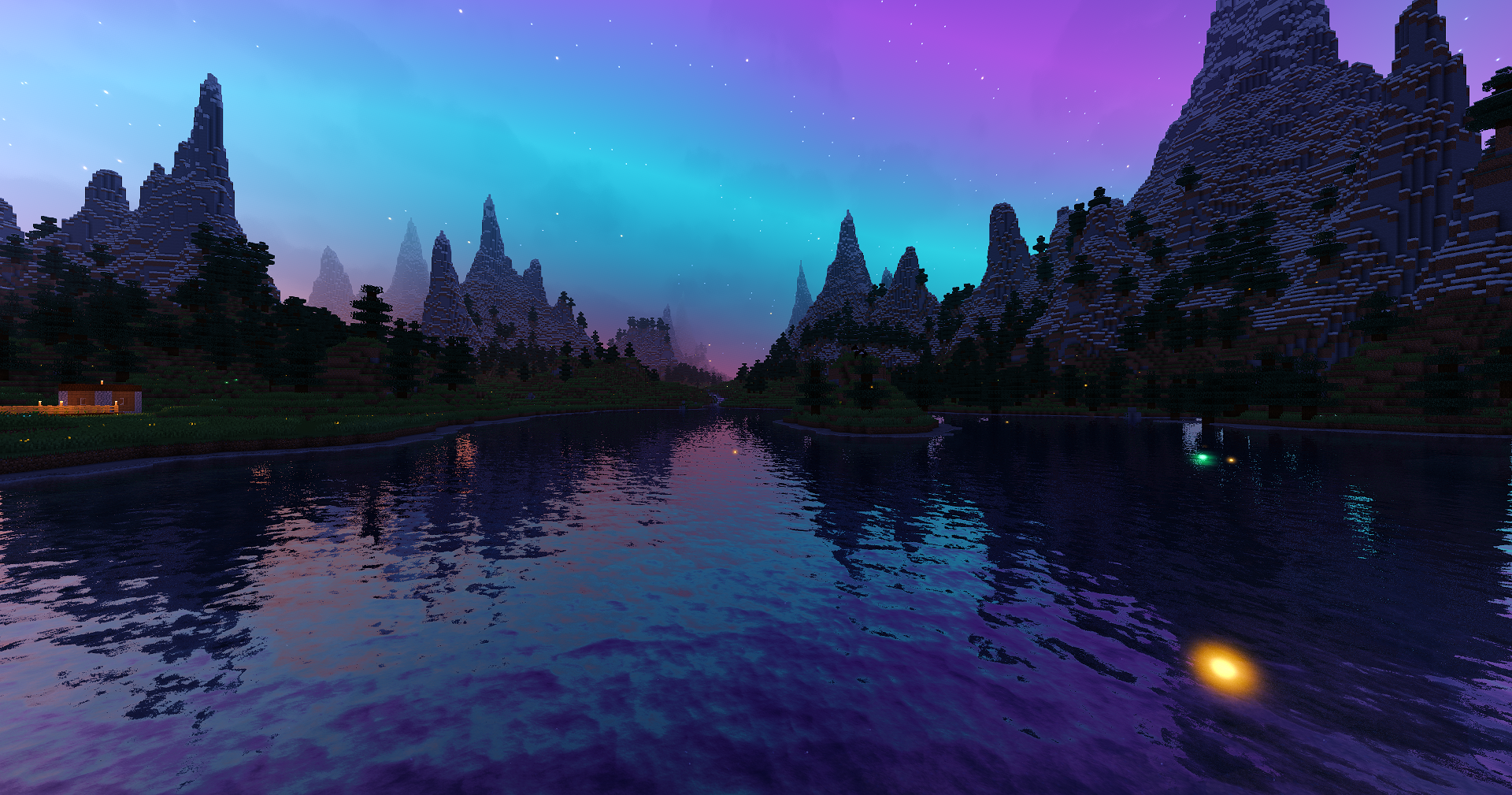
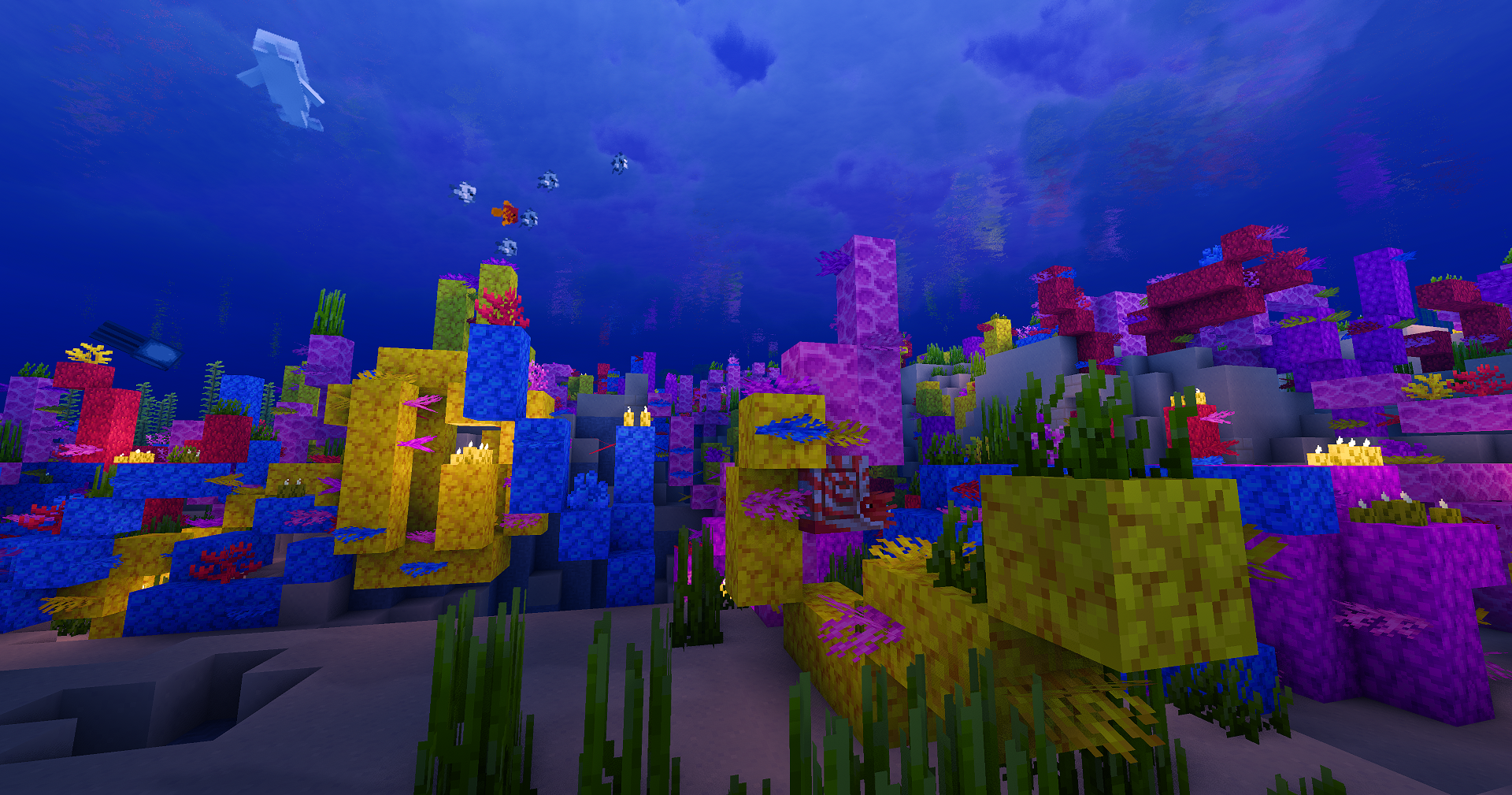
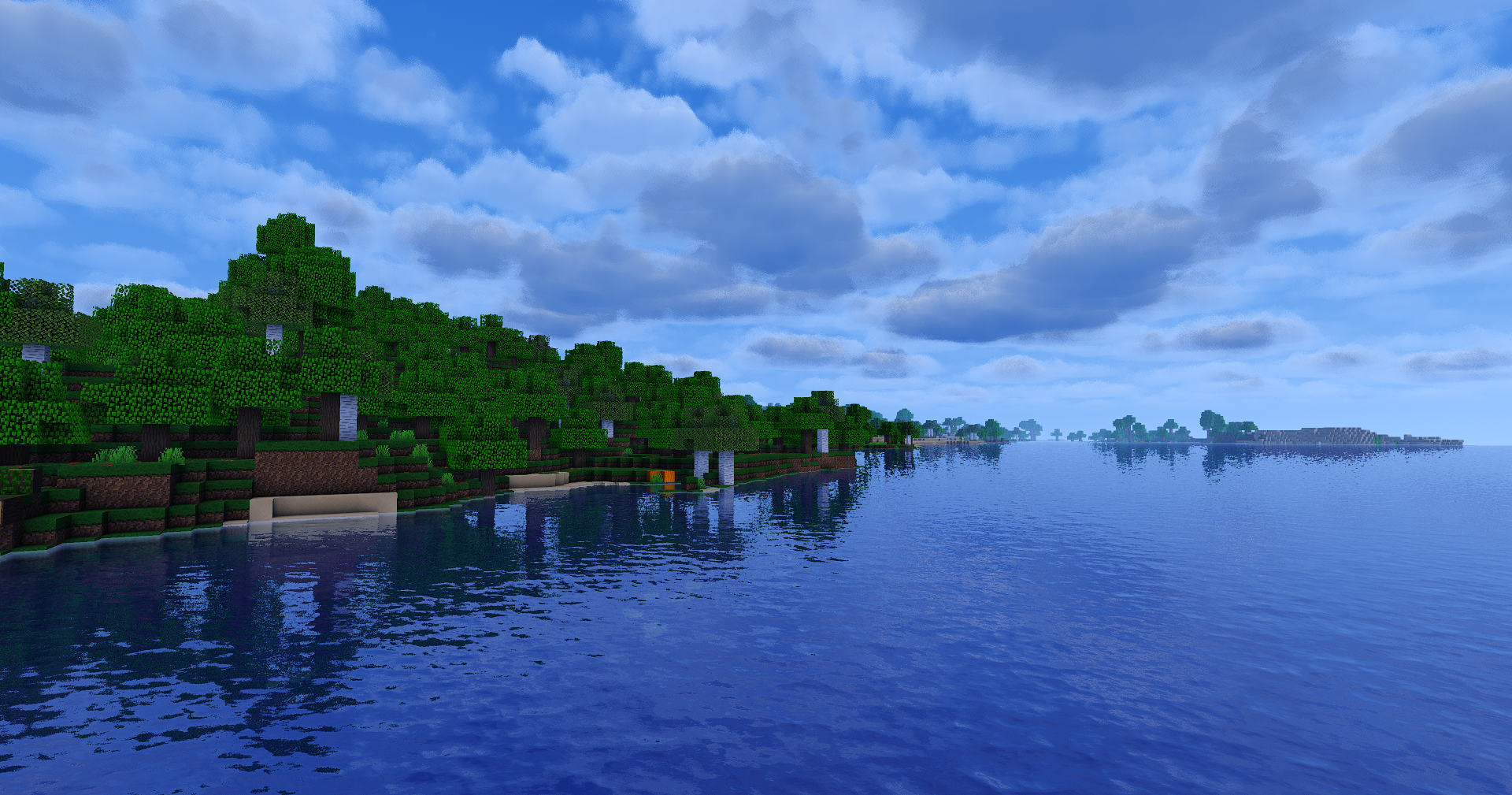
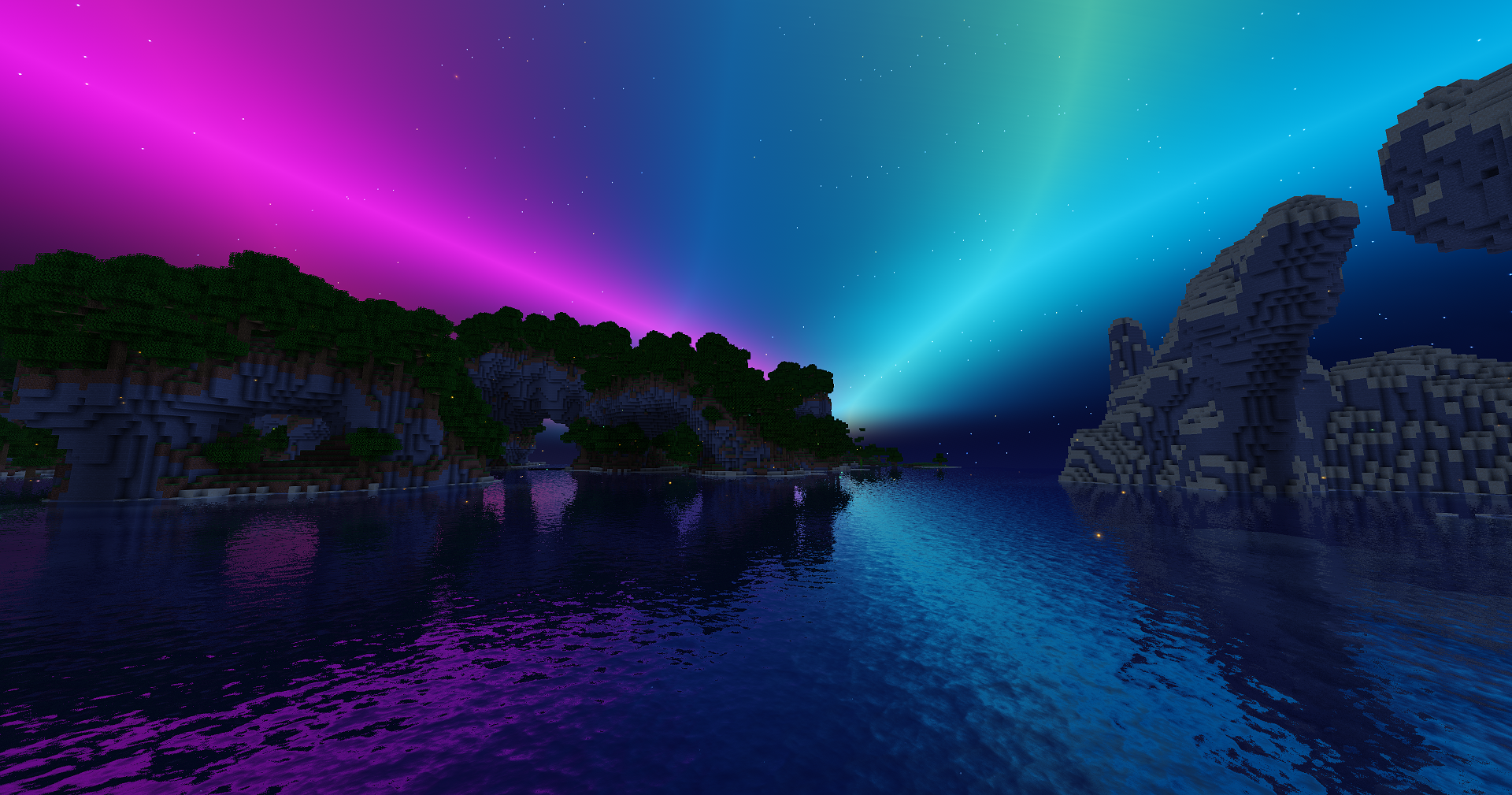
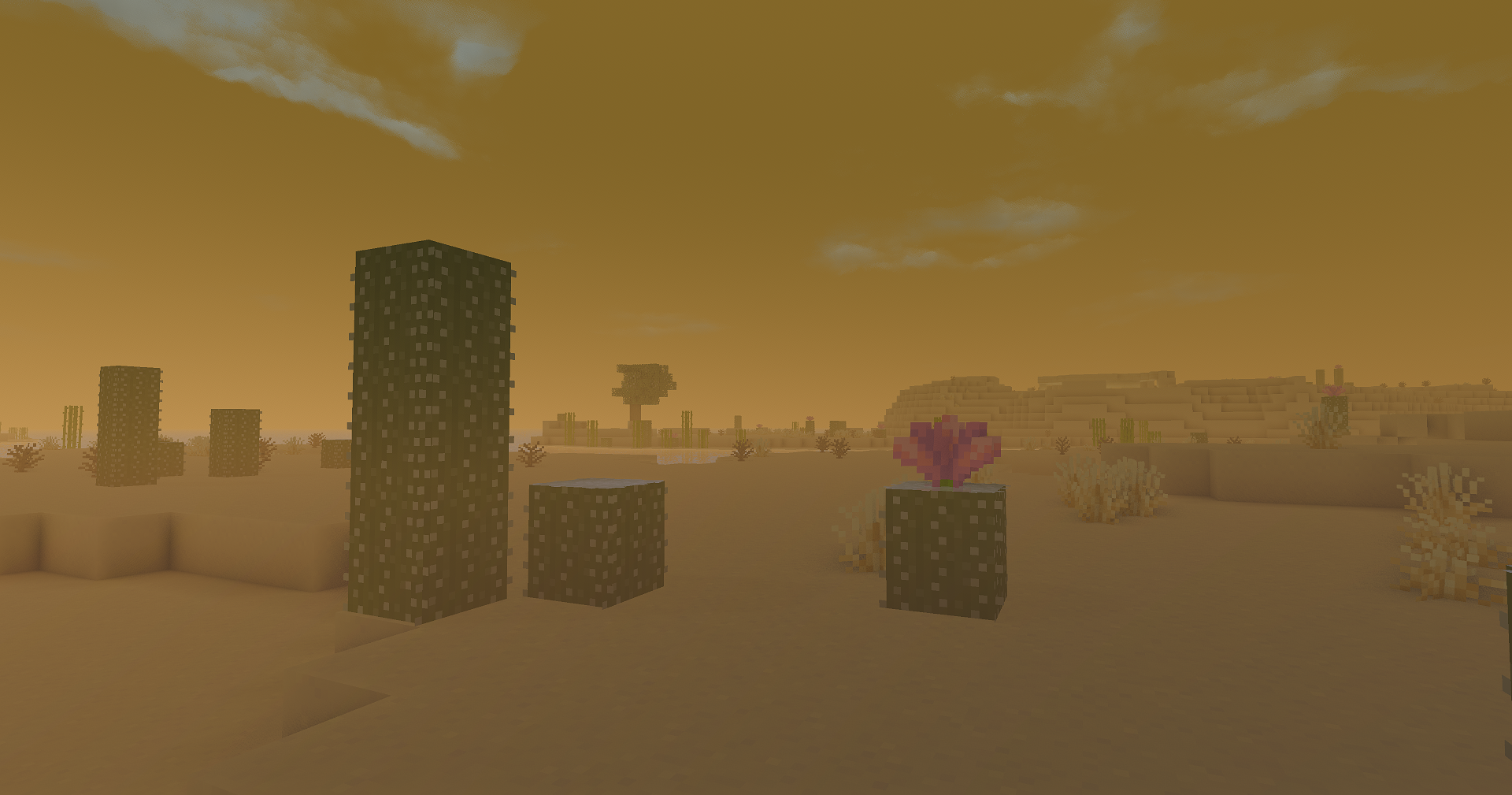
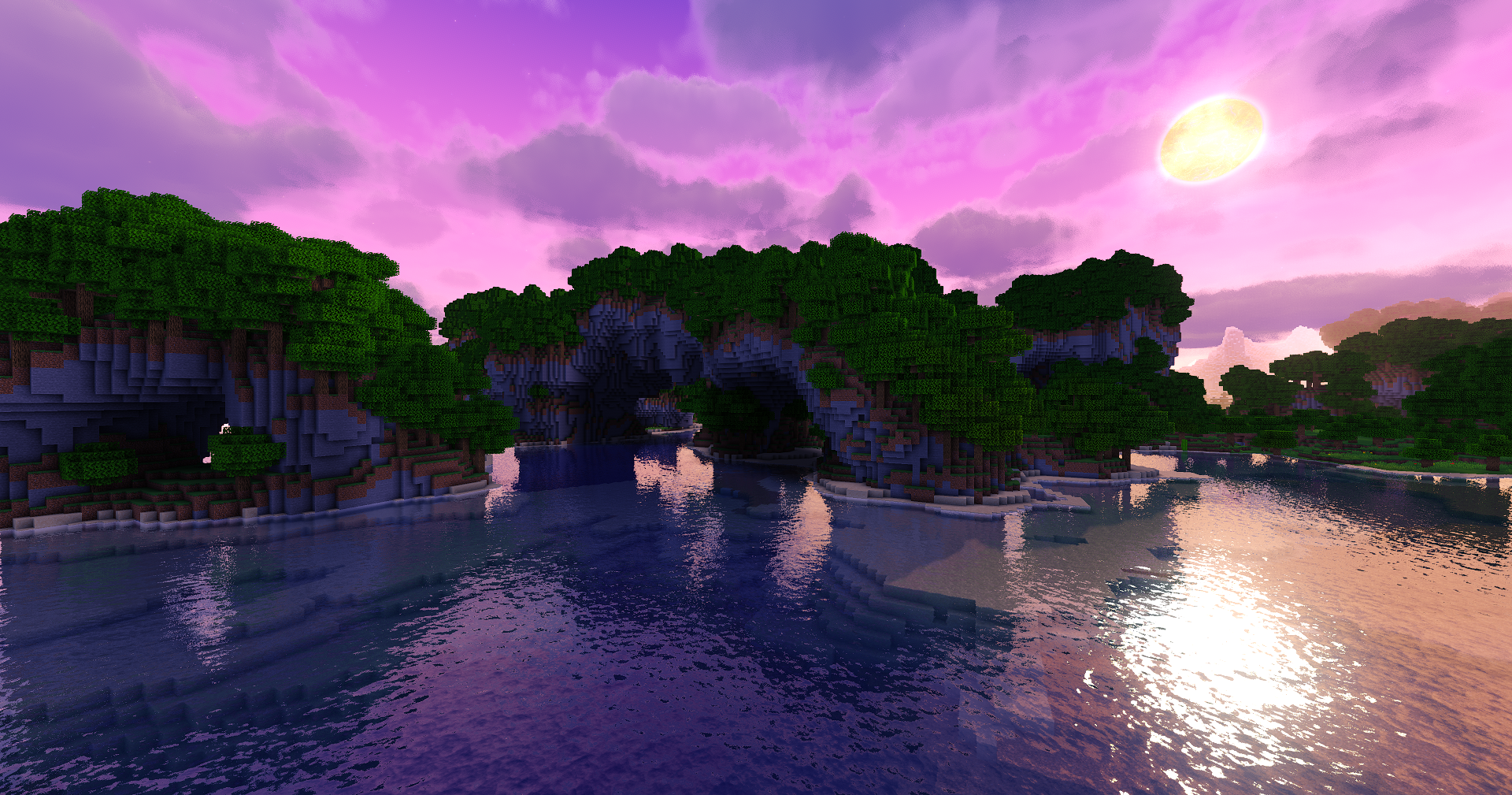
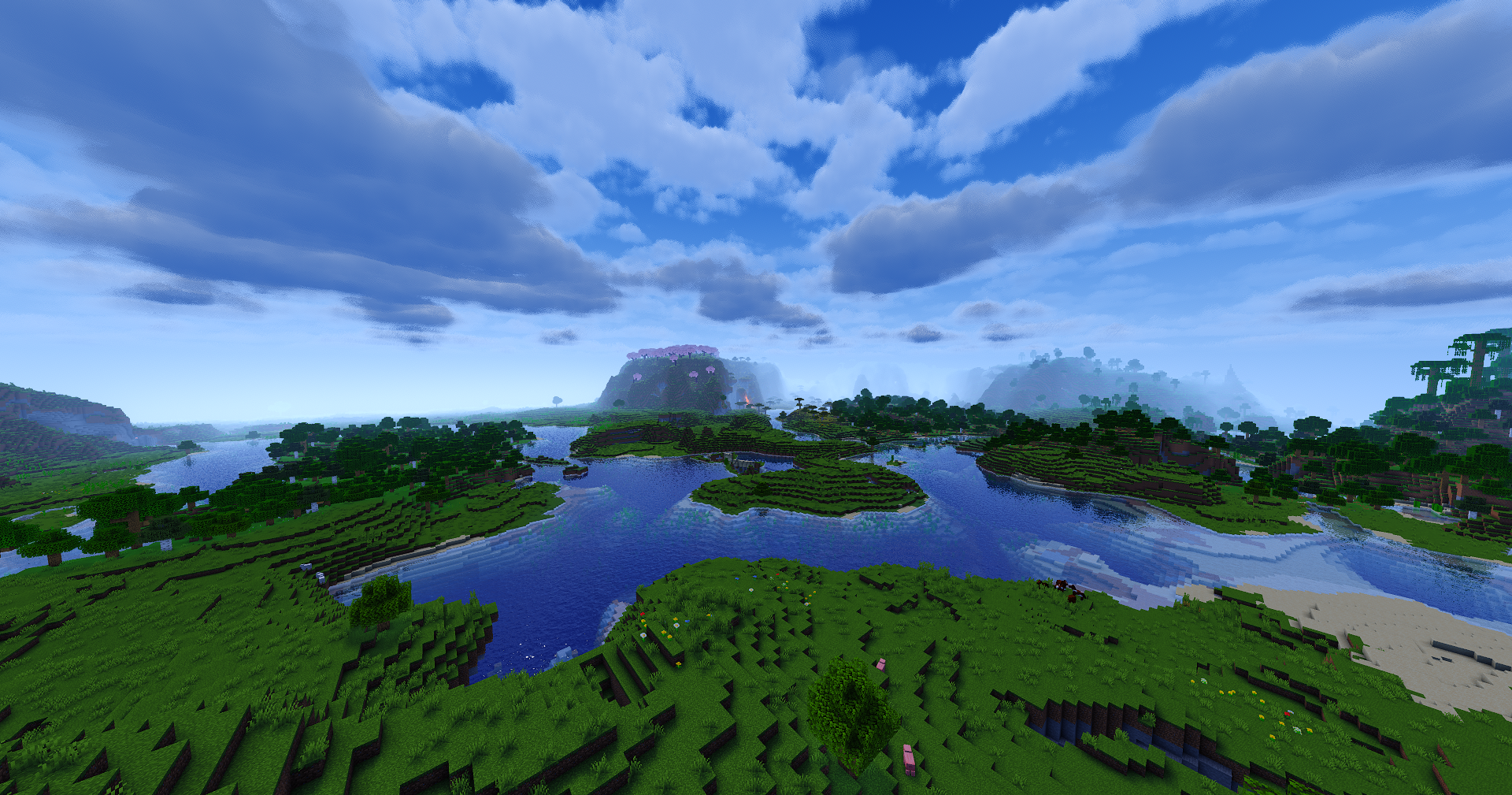
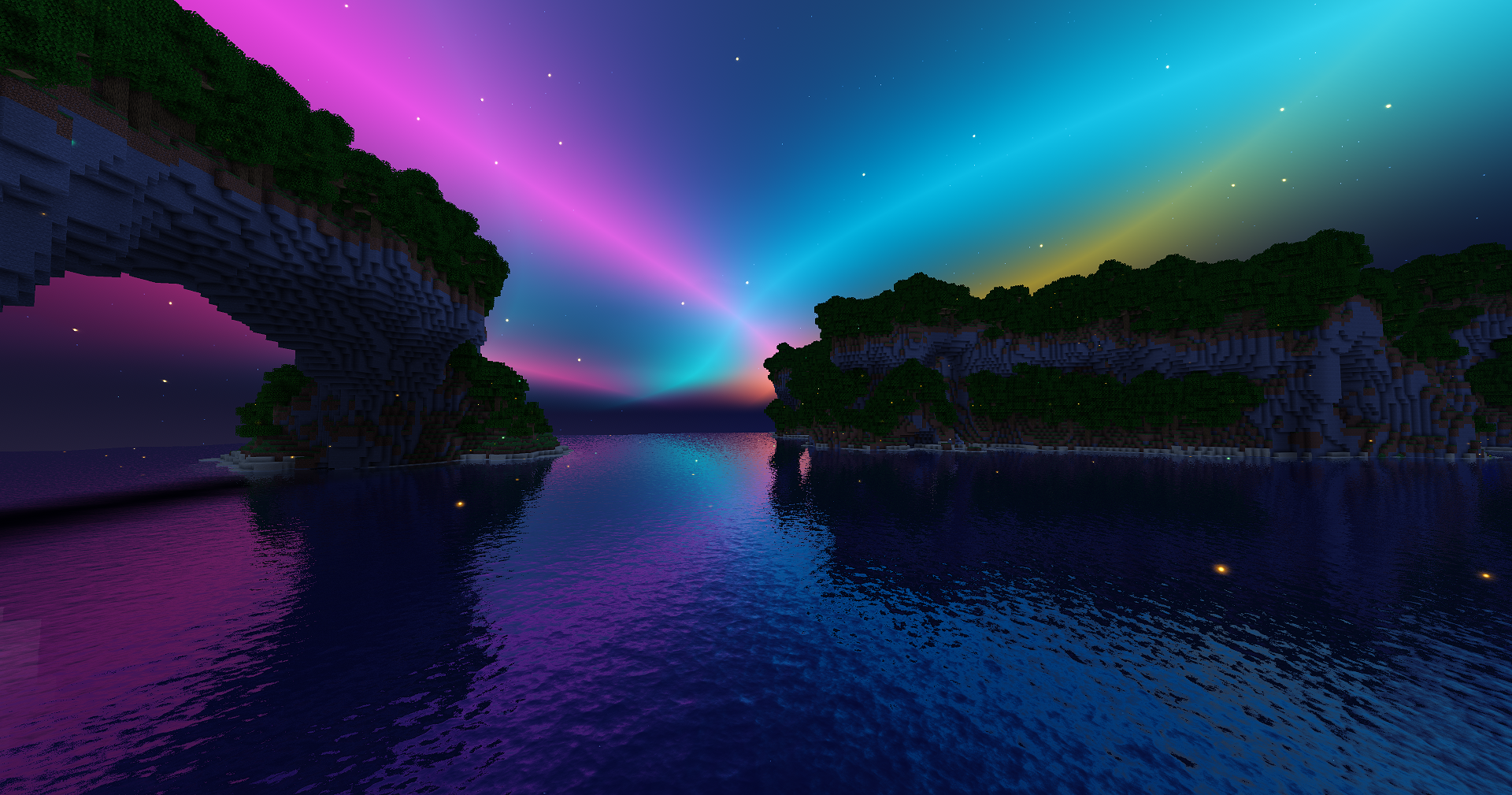
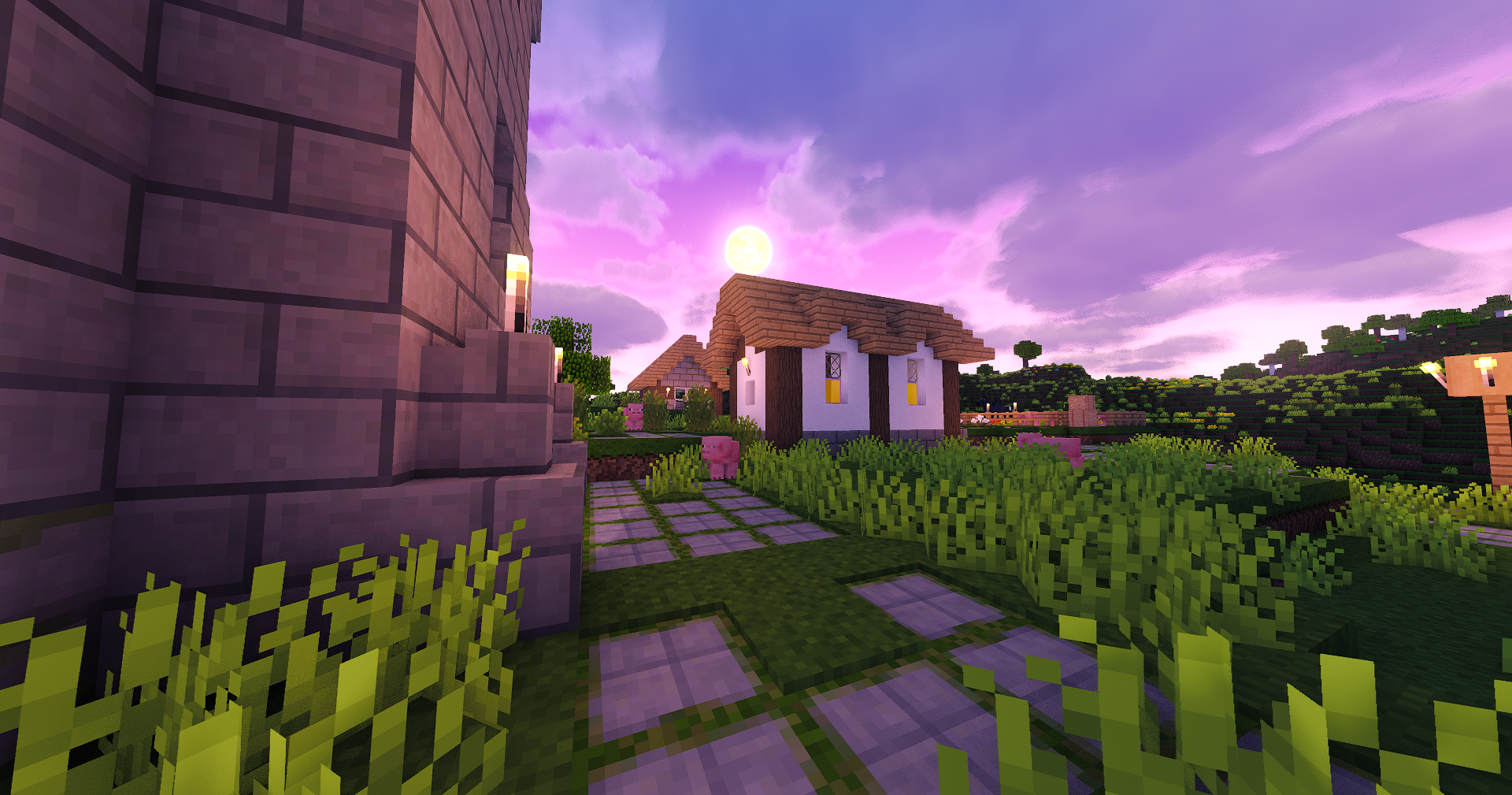
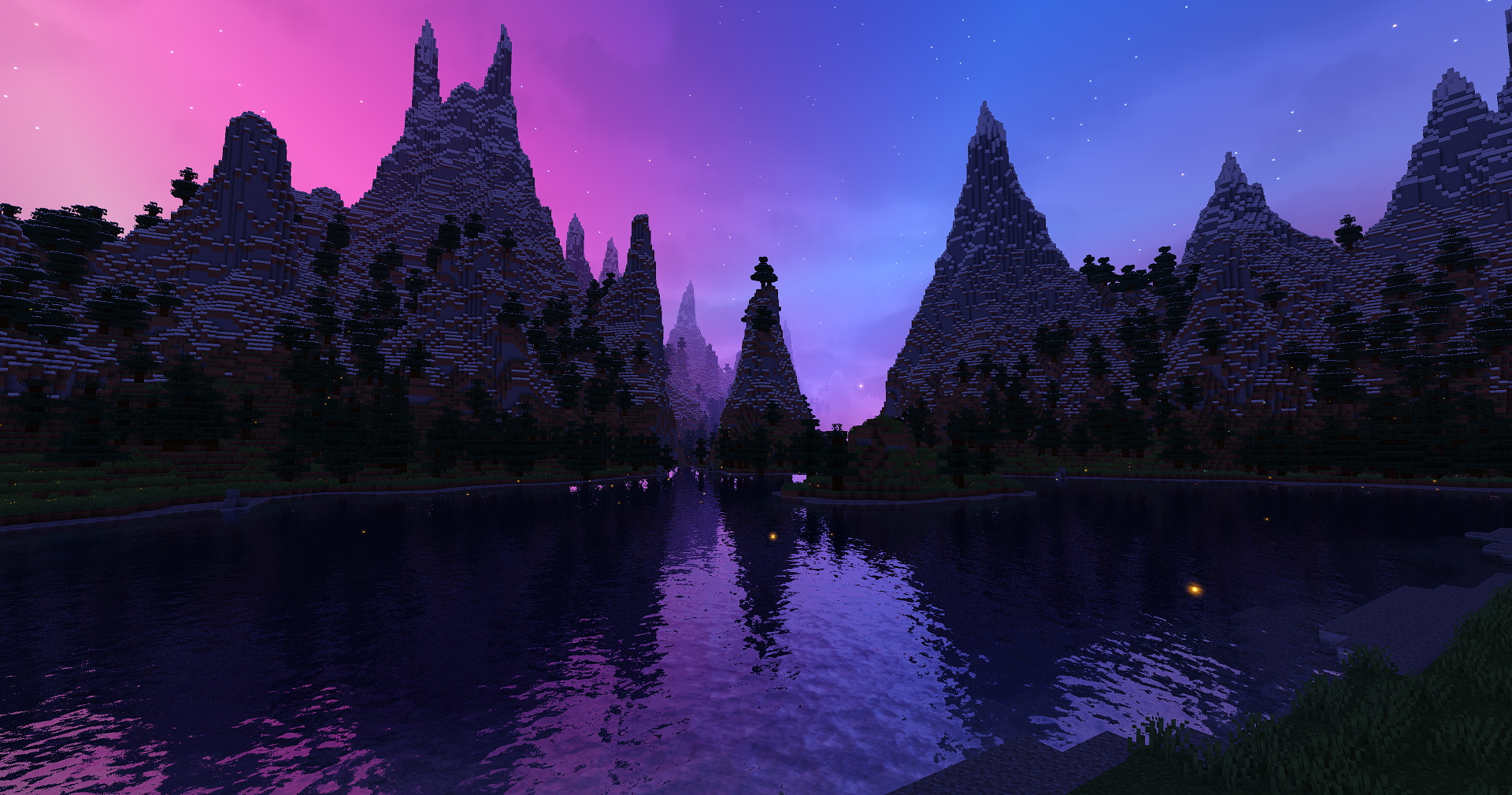
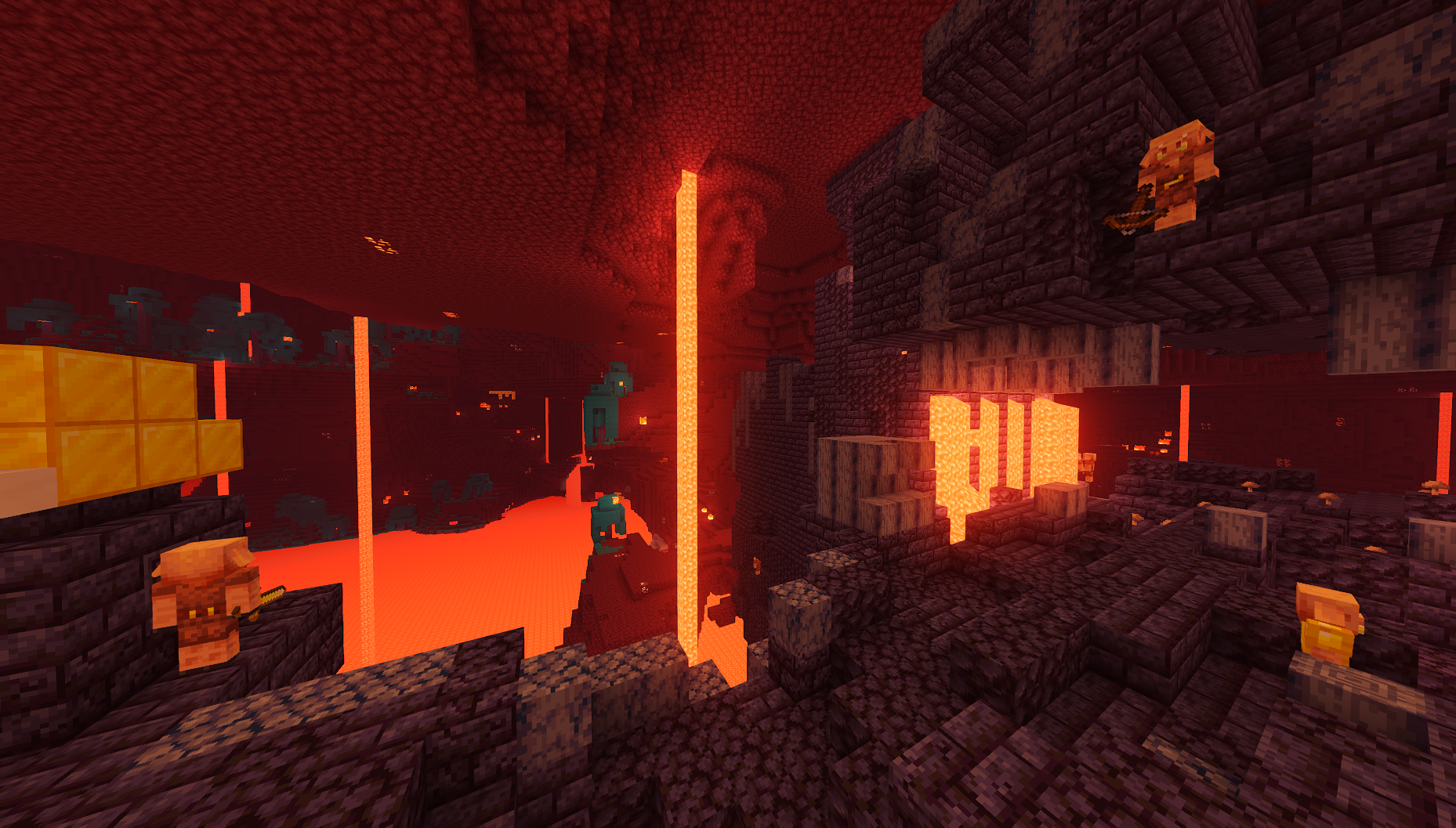
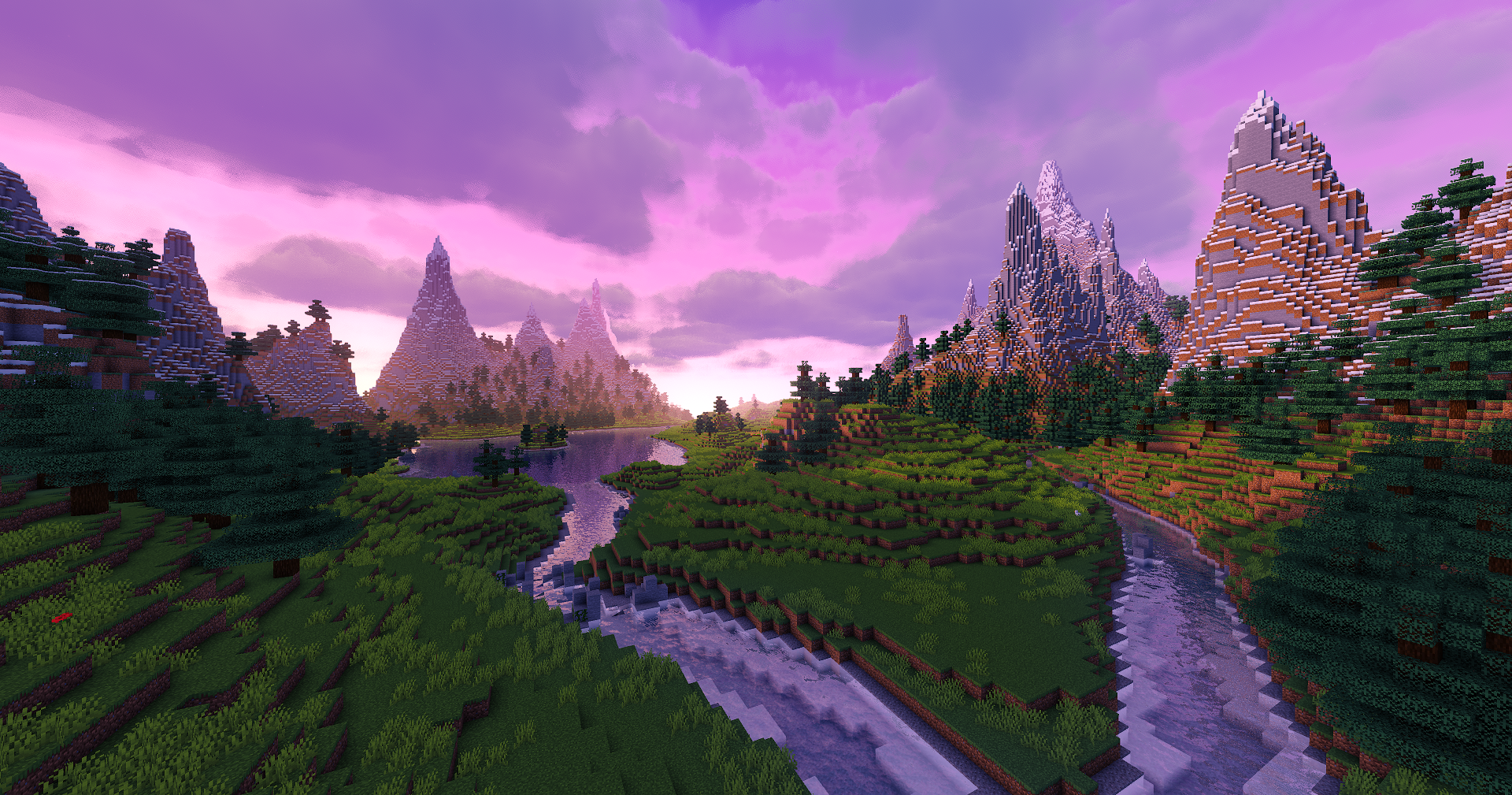
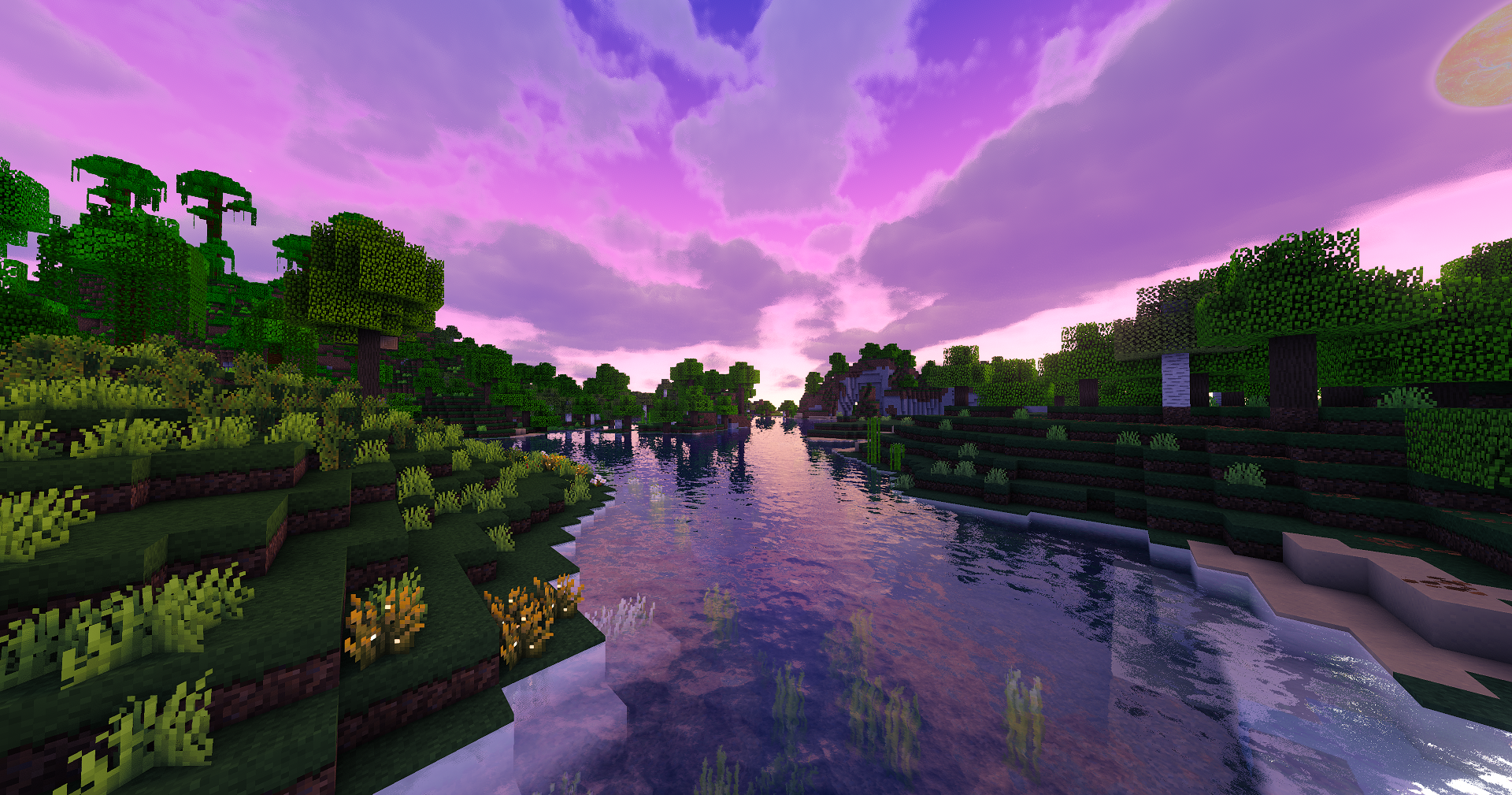
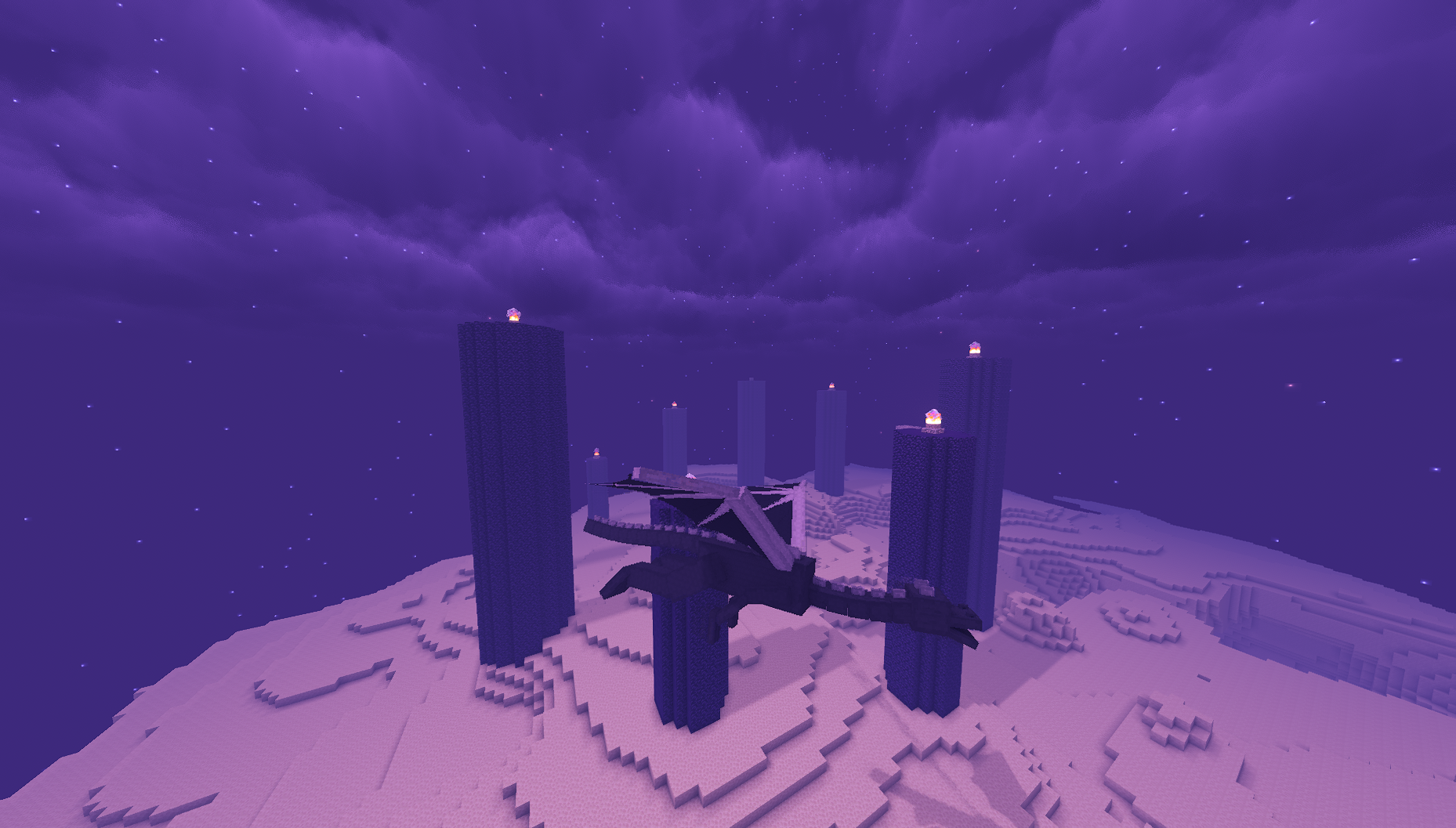

Ethereal Nights & Fireflies: Northern Lights (Aurora Borealis), realistic stars, and magical glowing fireflies transforming the night sky.
Atmospheric Clouds: Dynamic clouds and soft fog adding depth and life to the horizon.
Living Water & Refined Rain: Realistic waves, crisp water reflections, clear rain droplets, and dynamic rain puddles.
Modern Reflections: High-quality Screen Space Reflections (SSR) on water and wet surfaces.
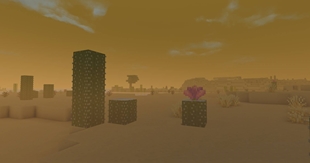
Immersive Weather: Realistic dust and sandstorms in desert biomes during rain.
Excellent Performance: Built to run efficiently across a wide variety of hardware setups.
Ultra-Distance Support: Compatible with large-scale rendering mods like Distant Horizons (toggleable).
Simplified Profiles: Quick choice between Balanced and Extreme presets.

Balanced Profile (Smooth & Efficient)
\*\*Minimum GPU:\*\* NVIDIA GTX 1660 (or equivalent)
Extreme Profile (Maximum Visuals)
\*\*Recommended GPU:\*\* NVIDIA RTX 3060 (or equivalent)
Note: Hardware requirements are estimates. If you experience performance drops, open Shader Options and switch to the Balanced profile.

Based On: MakeUp - Ultra Fast by KDXavier
Modified By: in2bubble (Aurora Fantasy)
Extra Code & Credits: Entokito | FXAA 3.11 by Simon Rodriguez
Source Code: Original GitHub | Aurora Fantasy GitHub
Support & Feedback: Have questions, ideas, or issues? Drop a comment in the CurseForge Comments Section
NOT AN OFFICIAL MINECRAFT SERVICE. NOT APPROVED BY OR ASSOCIATED WITH MOJANG OR MICROSOFT.
The Ultimate Guide to Aurora Fantasy
If you are exploring the vast world of Minecraft modifications, Aurora Fantasy by in2bubble is a standout shader that deserves your attention. With over 539,551 downloads, it has become a staple for players looking to enhance their experience. As the creator describes it, this project is "Transform Minecraft into a magical fantasy world featuring glowing night fireflies, shimmering Auroras, vibrant cinematic lighting, and dynamic weather.". Whether you are a veteran builder constructing massive cities, or simply a casual player looking to upgrade your survival world, this guide will provide you with all the essential details on how Aurora Fantasy alters the game.
What Makes It Special?
Unlike standard shaders that simply alter superficial elements, Aurora Fantasy introduces a wide array of visual and mechanical features designed to seamlessly blend into the vanilla aesthetic. in2bubble has clearly spent significant time refining the project to ensure that every aspect feels polished and responsive for version 1.21.11.
Installation Guide
Getting Aurora Fantasy up and running is straightforward. Follow these step-by-step instructions:
- Verify Your Version: Ensure your Minecraft launcher is set to version 1.21.11.
- Install Mod Loader (if required): If this is a mod, download the compatible loader (Forge, Fabric, NeoForge).
- Download the File: Click the secure download button above to retrieve the official file from CurseForge.
- Move the File: Place the downloaded file into your `mods`, `shaderpacks`, or `resourcepacks` folder depending on the shader type.
- Launch and Enjoy: Open Minecraft, navigate to the respective settings menu, and activate Aurora Fantasy.
Compatibility & Performance
Compatibility is robust. Aurora Fantasy is designed specifically for version 1.21.11, taking full advantage of the latest engine optimizations. During typical gameplay, this addition maintains a stable frame rate, though lower-end laptops might experience slight stuttering. We recommend pairing this with performance boosters like Sodium or Iris to guarantee a silky-smooth experience.