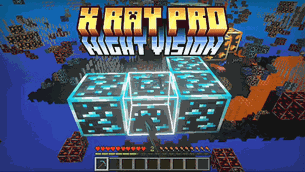
Why X RAY + Night Vision is a top-tier texture pack mod for Minecraft 1.21.130
Developed by the talented creator FoxyFall, X RAY + Night Vision stands out as a highly recommended selection for your Minecraft client. It is fully optimized, compatibility-tested, and brings a major upgrade to the gameplay experience in Minecraft version 1.21.130.
⚙️ Quick Resource Specs
| Mod Creator | FoxyFall |
| Latest Version | 1.21.130 |
| Supported Game Versions | 1.21.130, 1.21.120, 1.21.100, 1.21.90, 1.21.80 |
| File Size | 2.29 MB |
| Last Updated | |
| Total Downloads | 316,564 downloads |
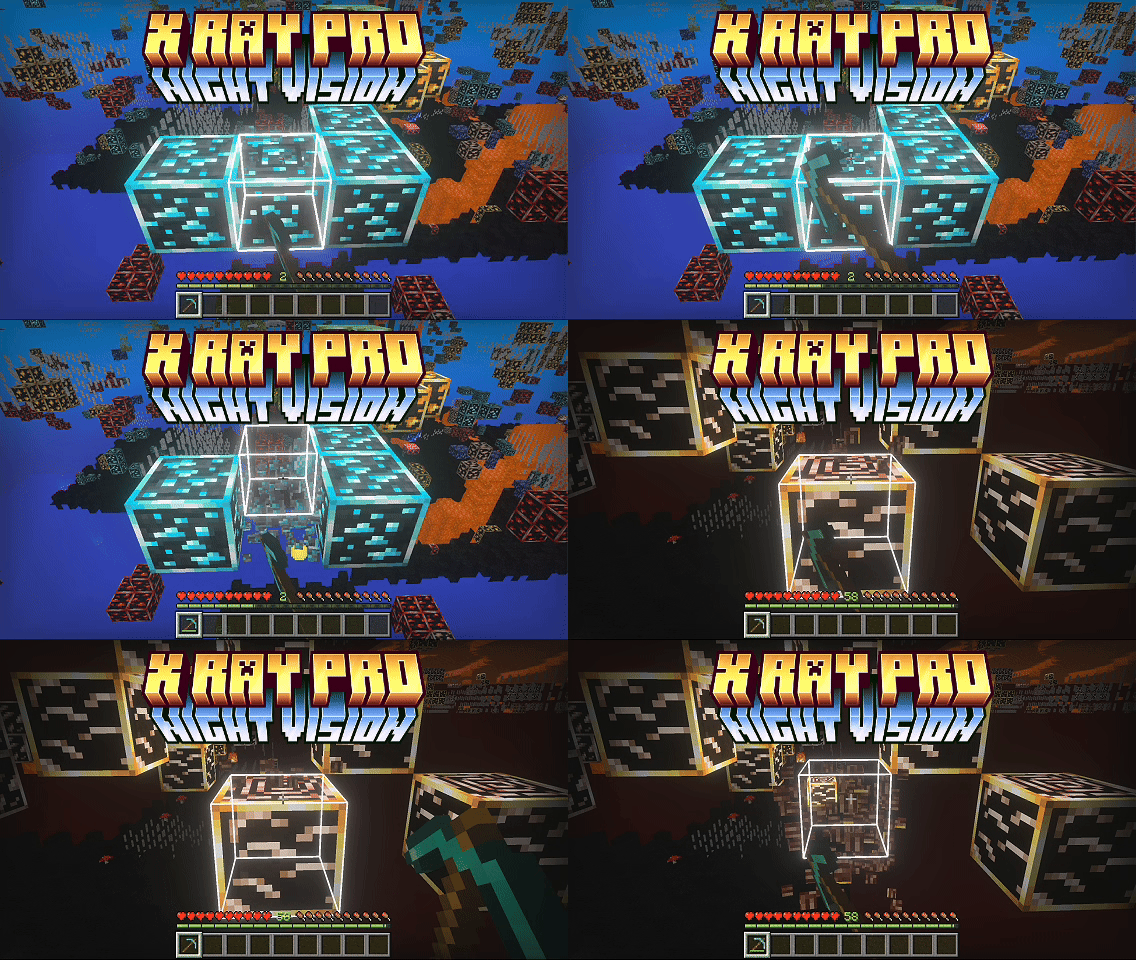
X RAY + Night Vision shows you every ore without disabling achievements. No mods, no commands, just a lightweight resource pack that hides the terrain around ores so they stand out in any graphics mode, and makes them glow when Vibrant Visuals is on.
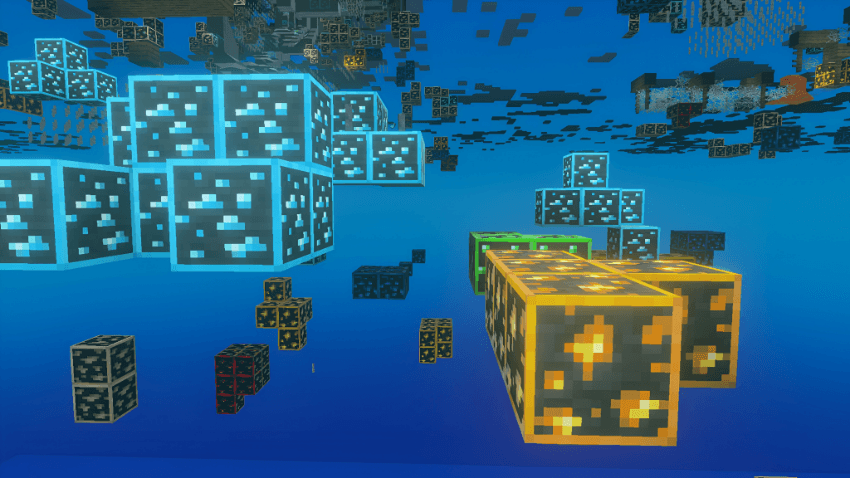
Two X-Ray Modes
Pick one in the pack settings (the gear icon on the pack):
- X RAY DEFAULT: hides stone, deepslate, tuff, granite, diorite, andesite, dirt, sand, sandstone, plain terracotta, netherrack, basalt, blackstone and other common terrain. Water and lava stay visible, and gravel, obsidian, sculk shriekers and sculk catalysts show as thin markers so you still know where they are.
- X RAY 100%: full see-through. On top of the usual terrain it also hides grass blocks, cobblestone, coloured terracotta, snow, ice, nether bricks, nylium, end stone, sculk, dripstone, bone blocks, suspicious sand and gravel, and even water and lava.
Spot gravel before it gets you. In X RAY DEFAULT, gravel is drawn as a thin torch-shaped marker instead of a full block, so you can see exactly where it is and avoid digging under it. It's still real gravel and can still fall, the pack only changes how it looks. In X RAY 100% gravel is hidden completely, so take extra care there.
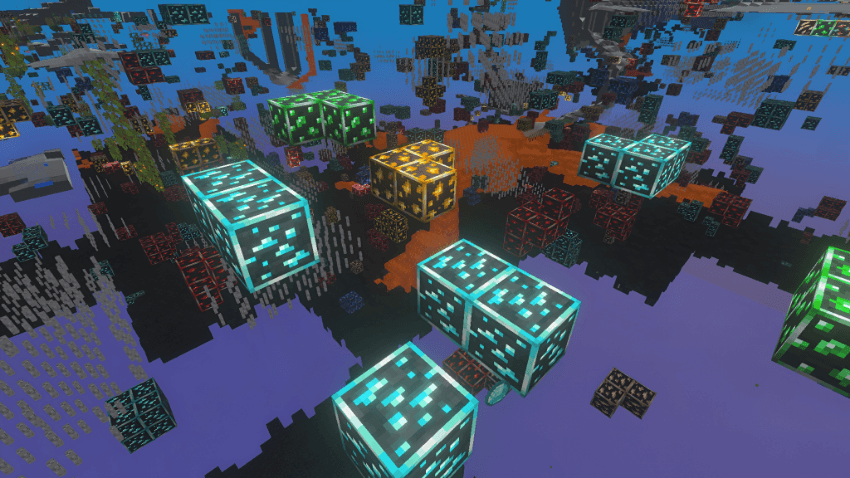
See lava before you dig into it. In X RAY DEFAULT, lava stays visible while the stone around it disappears, so hidden lava pools show up clearly while you mine. X RAY 100% hides water and lava too, so switch to DEFAULT when you're mining near lava.
Key Features
-Ores visible in every graphics mode (Simple, Fancy or Vibrant Visuals)
-Two modes, DEFAULT and 100%, switchable any time in pack settings
-Ores glow with real PBR texture sets when Vibrant Visuals is on, plus brighter lighting for a night-vision feel
-Fog pushed far out in every biome, the Nether and the End
-Chests and shulker boxes in bright solid colours so loot stands out
-No pumpkin overlay, no falling leaf particles, minimal block-breaking cracks
-100% resource pack, achievement-safe and safe to add to existing worlds
Recommended Settings
-Turn off Smooth Lighting for the clearest ore visibility
-Simple or Fancy both work. On Fancy, use the water trick above
-Enable Vibrant Visuals for glowing ores (optional but looks amazing)
Install
- Place the resource pack in your resource_packs folder or import it in-game
- Edit or create a world → Resource Packs → enable X RAY + Night Vision
- Click the gear icon on the pack to choose X RAY DEFAULT or X RAY 100%
- Turn off Smooth Lighting for best results
- Enjoy finding every ore effortlessly!
The Ultimate Guide to X RAY + Night Vision
If you are exploring the vast world of Minecraft modifications, X RAY + Night Vision by FoxyFall is a standout texture that deserves your attention. With over 316,564 downloads, it has become a staple for players looking to enhance their experience. As the creator describes it, this project is "A clean, achievement safe resource pack that makes ores instantly visible with a night-vision style effect in all graphics modes.". Whether you are a veteran builder constructing massive cities, or simply a casual player looking to upgrade your survival world, this guide will provide you with all the essential details on how X RAY + Night Vision alters the game.
What Makes It Special?
Unlike standard textures that simply alter superficial elements, X RAY + Night Vision introduces a wide array of visual and mechanical features designed to seamlessly blend into the vanilla aesthetic. FoxyFall has clearly spent significant time refining the project to ensure that every aspect feels polished and responsive for version 1.21.130.
Installation Guide
Getting X RAY + Night Vision up and running is straightforward. Follow these step-by-step instructions:
- Verify Your Version: Ensure your Minecraft launcher is set to version 1.21.130.
- Install Mod Loader (if required): If this is a mod, download the compatible loader (Forge, Fabric, NeoForge).
- Download the File: Click the secure download button above to retrieve the official file from CurseForge.
- Move the File: Place the downloaded file into your `mods`, `shaderpacks`, or `resourcepacks` folder depending on the texture type.
- Launch and Enjoy: Open Minecraft, navigate to the respective settings menu, and activate X RAY + Night Vision.
Compatibility & Performance
Compatibility is robust. X RAY + Night Vision is designed specifically for version 1.21.130, taking full advantage of the latest engine optimizations. During typical gameplay, this addition maintains a stable frame rate, though lower-end laptops might experience slight stuttering. We recommend pairing this with performance boosters like Sodium or Iris to guarantee a silky-smooth experience.