
Why Damage Hit Fox Voices Player is a top-tier texture pack mod for Minecraft 1.21.132
Developed by the talented creator arskhy, Damage Hit Fox Voices Player stands out as a highly recommended selection for your Minecraft client. It is fully optimized, compatibility-tested, and brings a major upgrade to the gameplay experience in Minecraft version 1.21.132.
⚙️ Quick Resource Specs
| Mod Creator | arskhy |
| Latest Version | 1.21.132 |
| Supported Game Versions | 1.21.132, 1.21.131, 1.21.130, 1.21.124, 1.21.123 |
| File Size | 1.57 MB |
| Last Updated | |
| Total Downloads | 252 downloads |
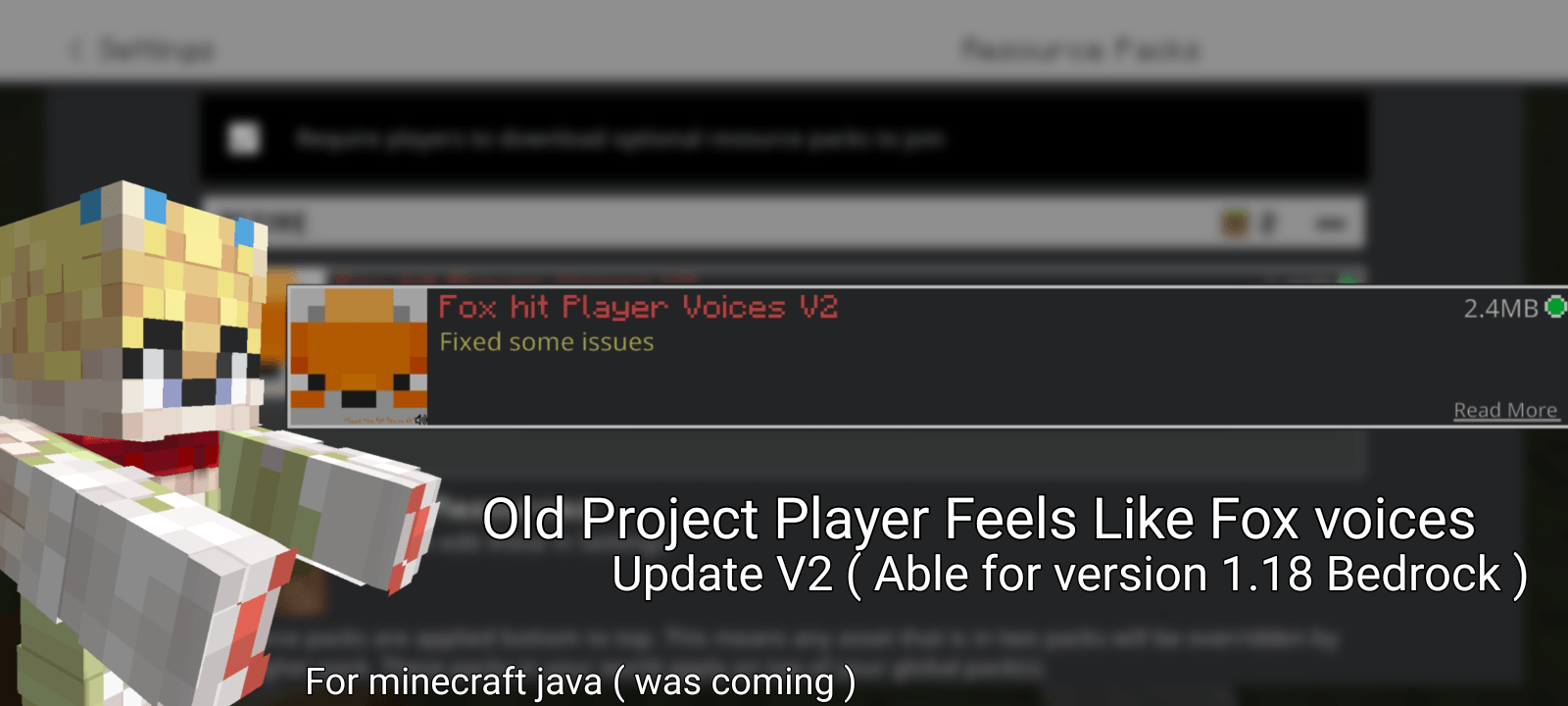
Rationatsu V2 Sound Pack
Welcome to Rationatsu v2, a Minecraft sound resource pack inspired by the sounds and style of FoxVPlayer!
This pack changes several Minecraft sounds to give your gameplay a different atmosphere.
🎀 Features 🎀
Player hit sounds have been changed to use damage sounds inspired by Fox-style sounds.
The main menu music can be changed or replaced with another song, depending on your preferences.
Eating sounds have been adjusted to sound cleaner and more satisfying, inspired by fox sounds.
The fire and campfire hurt sounds have been fixed to improve the audio experience.
This pack combines sounds and resources from FoxVPlayer V2, Meme Death, and additional player audio.
Some sounds may be different depending on your Minecraft version and the resources available in the pack.
🎀 Version Information 🎀
V1 was intended to support Minecraft versions 1.18 and above.
V1.1 (V2) brings further changes and improvements to the pack.
I have also opened up the source files to help users understand where the main menu music is located and how it can be changed.
If you want to replace the main menu song, you can explore the pack's sound files and find the relevant audio resource.
Please remember to keep the correct file names and folder structure when replacing sounds.
🎀 A Small Apology 🎀
I'm sorry if some code are confused for me.
There are quite a lot of folders and sound files in this pack, and I sometimes get confused about which files should be placed.
I'm still learning how to organize and manage Minecraft resource packs properly, so thank you for your patience!
If something doesn't work as expected, it may be related to your Minecraft version or the way a sound resource is configured.
For a better experience, please try the pack with your own Minecraft version and see which features work best.
Compatibility
Compatibility may vary depending on your Minecraft version and the launcher you use.
Although V1 was intended for Minecraft 1.18+, newer builds may have different requirements or behavior.
Please check the version information before installing the pack.
🎀 License 🎀
The copyright for this resource pack belongs entirely to the creator; claiming it as the work of another without official permission is strictly prohibited. Every asset, texture, model, and visual element within it has been crafted with great dedication and is protected by applicable intellectual property and copyright laws. By downloading or using this resource pack, the user acknowledges having read, understood, and agreed to all terms and usage restrictions established by the creator.
Users are granted full rights and freedom to use this resource pack for personal use within their own Minecraft games. You are free to enjoy the textures, modify their appearance locally for personal preference, or create video content and streams using this pack, provided you include a link to the official download page. However, such modifications may not be publicly distributed in any form without the creator's written permission.
Any form of redistribution including re-uploading the download file to other websites, third-party sharing platforms, or mobile applications is strictly prohibited. If you wish to share this resource pack with friends or a community, you must use the official download link provided by the creator rather than sharing the file directly or distributing the .zip file itself. This ensures that every user always receives the latest stable version.
Using any assets, textures, or code from this resource pack for other public projects, modpack compilations, or public Minecraft servers requires prior written permission from the creator. If you wish to include this pack in a public modpack for launchers or platforms such as CurseForge or Modrinth, you must provide clear credit and include a link back to the creator's original page. Violations of these terms will be addressed to protect the creator's copyright. The creator is not responsible for any data corruption, bugs, performance issues, or Minecraft version incompatibilities that may arise from using this resource pack outside of the supported versions. The creator strives to provide the best visual experience through regular updates. Thank you very much for your support, appreciation, and cooperation in valuing this creative work, enabling the creator community to keep producing content!
Support us via: https://sociabuzz.com/rationatsuart/support https://paypal.me/hikarurationatsu
🎀 Future Updates 🎀
I will continue updating files here when improvements are ready.
More sound changes and fixes may be added in future versions.
Found A issue? Report to me ~
Thank you for checking out Rationatsu v2 and giving this project a try!
Have fun, enjoy the sounds, and stay tuned for future updates! ~
The Ultimate Guide to Damage Hit Fox Voices Player
If you are exploring the vast world of Minecraft modifications, Damage Hit Fox Voices Player by arskhy is a standout texture that deserves your attention. With over 252 downloads, it has become a staple for players looking to enhance their experience. As the creator describes it, this project is "This Pack Made By Rationatsu | Change player was hit by entity or something block like drown or hurt by fire, and more also more.". Whether you are a veteran builder constructing massive cities, or simply a casual player looking to upgrade your survival world, this guide will provide you with all the essential details on how Damage Hit Fox Voices Player alters the game.
What Makes It Special?
Unlike standard textures that simply alter superficial elements, Damage Hit Fox Voices Player introduces a wide array of visual and mechanical features designed to seamlessly blend into the vanilla aesthetic. arskhy has clearly spent significant time refining the project to ensure that every aspect feels polished and responsive for version 1.21.132.
Installation Guide
Getting Damage Hit Fox Voices Player up and running is straightforward. Follow these step-by-step instructions:
- Verify Your Version: Ensure your Minecraft launcher is set to version 1.21.132.
- Install Mod Loader (if required): If this is a mod, download the compatible loader (Forge, Fabric, NeoForge).
- Download the File: Click the secure download button above to retrieve the official file from CurseForge.
- Move the File: Place the downloaded file into your `mods`, `shaderpacks`, or `resourcepacks` folder depending on the texture type.
- Launch and Enjoy: Open Minecraft, navigate to the respective settings menu, and activate Damage Hit Fox Voices Player.
Compatibility & Performance
Compatibility is robust. Damage Hit Fox Voices Player is designed specifically for version 1.21.132, taking full advantage of the latest engine optimizations. During typical gameplay, this addition maintains a stable frame rate, though lower-end laptops might experience slight stuttering. We recommend pairing this with performance boosters like Sodium or Iris to guarantee a silky-smooth experience.
