Why Enchanted Outline is a top-tier shader mod for Minecraft 1.21
Developed by the talented creator Agent2009, Enchanted Outline stands out as a highly recommended selection for your Minecraft client. It is fully optimized, compatibility-tested, and brings a major upgrade to the gameplay experience in Minecraft version 1.21.
⚙️ Quick Resource Specs
| Mod Creator | Agent2009 |
| Latest Version | 1.21 |
| Supported Game Versions | Minecraft 1.21+ |
| File Size | 404.59 KB |
| Last Updated | |
| Total Downloads | 33,839 downloads |
✨ Enchanted Outline ✨
Ever lost your best sword or pickaxe in a chest full of junk? Yeah, we fixed that.
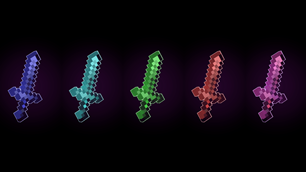
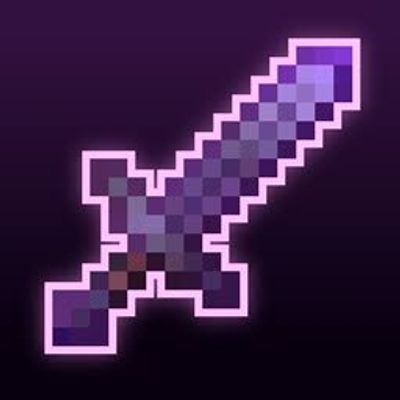
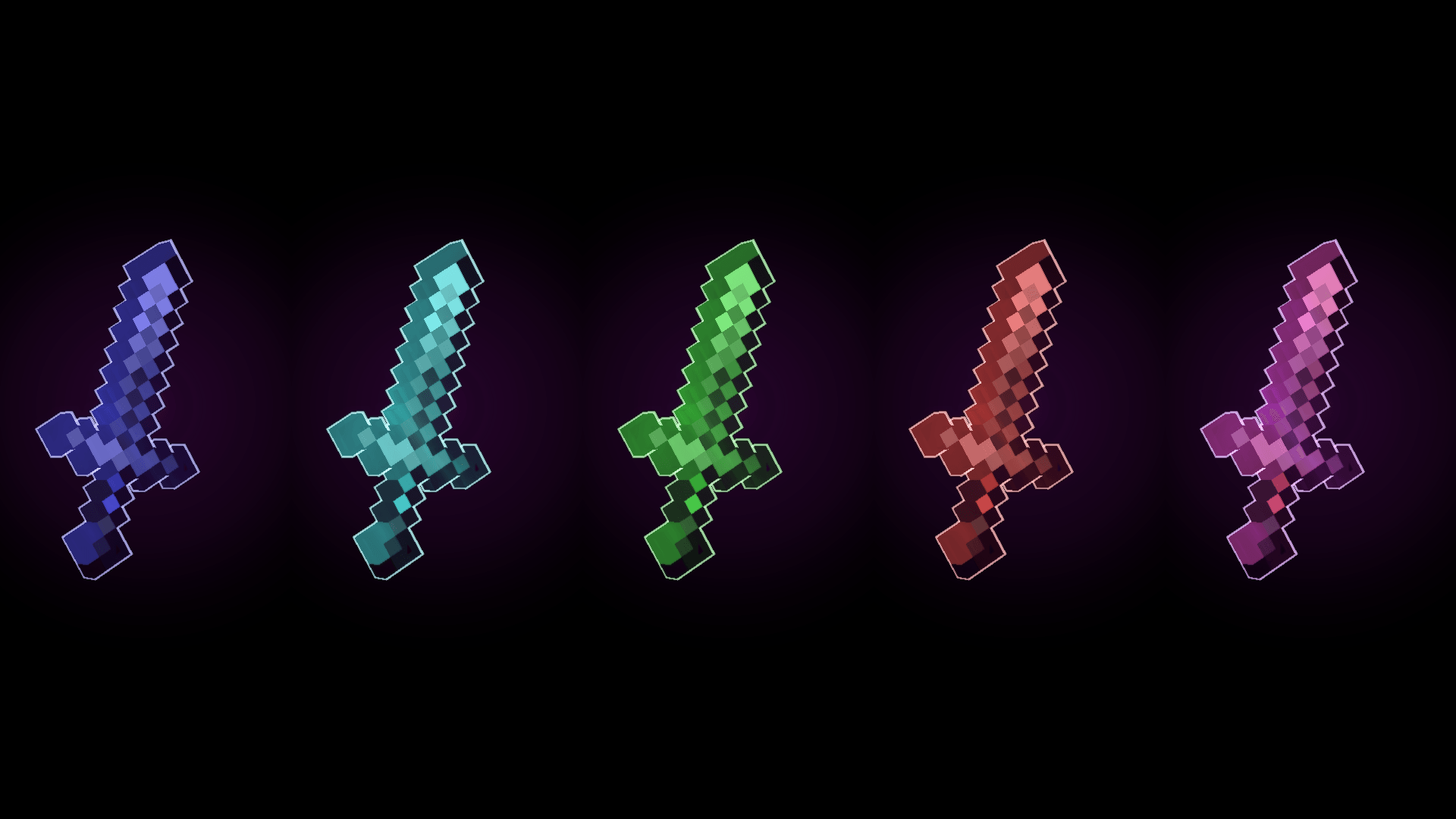
Enchanted Outline gives your enchanted gear a clean, glowing outline so it actually stands out — no more squinting through a messy inventory or guessing which item is the good one mid-fight. It still feels 100% vanilla, just… better. 🎯
⛏️ Pickaxe — Full Customization
The pickaxe is where this pack really shows off. Every visual element is independently adjustable:
🎨 Separate Glint & Outline Colors** — mix and match freely, they don't need to be the same color
📏 Adjustable Outline Size** — control outline thickness independently of the glint
📐 Independent Sizing** — fine-tune how the whole effect scales on the item
🌈 3 Rainbow Mode — choose your vibe:
0 — Off — static colors, no animation
1 — Outline Rainbow — outline color cycles automatically every 2 seconds
2 — Full Rainbow\ — both glint *and* outline cycle together for a fully animated look
⚔️ Sword — Core Features
The sword keeps things simple for now, with more advanced options planned for a future update:
📏 4 Sword Size Options** — go small and subtle or big and bold
📏 Adjustable Outline Size** — control how thick or thin the glow looks
🎨 Glint & Outline Color** — currently matched (independent colors coming soon 🔜)
🧩 Setup
No config files, no complicated steps:
1️⃣ Download the pack
2️⃣ Drag **Enchanted Outline** to the **top** of your active resource pack list
3️⃣ That's it — you're done! 👍
Works alongside your other packs — just make sure it's loaded above them.
⚡ Why You'll Like It
🍃 **Zero gameplay changes** — 100% visual, nothing sneaky
⚡ **Super lightweight** — won't touch your FPS
✅ **100% vanilla-friendly** — feels like it belongs in the base game
🔄 **Actively updated** — new features rolling out regularly
## 🗺️ Roadmap
🔜 Independent glint/outline colors for swords
🔜 Rainbow modes for swords
🔜 More enchanted item types beyond swords & pickaxes
## 📜 Copyright
© 2026 Agent2009. All Rights Reserved.
**Bedrock Port:** Ported to Minecraft Bedrock Edition by Agent2009.
**Original Java Pack:** Enchantment Outlined by tixul @here
All credit for the original work goes to the original creator. Full credit for the original pack belongs to tixul.
Redistribution, modification, or reuploading of this resource pack or its assets is not permitted without prior permission from the author. If permission is granted to use any part of this resource pack, proper credit must be given.
```
The Ultimate Guide to Enchanted Outline
If you are exploring the vast world of Minecraft modifications, Enchanted Outline by Agent2009 is a standout shader that deserves your attention. With over 33,839 downloads, it has become a staple for players looking to enhance their experience. As the creator describes it, this project is "Never lose your best gear again! ✨ Enchanted Outline adds glowing outlines to enchanted Swords & Pickaxes ⚔️⛏️ — full color customization & rainbow effects on Pickaxes, more sword features coming soon. Lightweight & vanilla-friendly.". Whether you are a veteran builder constructing massive cities, or simply a casual player looking to upgrade your survival world, this guide will provide you with all the essential details on how Enchanted Outline alters the game.
What Makes It Special?
Unlike standard shaders that simply alter superficial elements, Enchanted Outline introduces a wide array of visual and mechanical features designed to seamlessly blend into the vanilla aesthetic. Agent2009 has clearly spent significant time refining the project to ensure that every aspect feels polished and responsive for version 1.21.
Installation Guide
Getting Enchanted Outline up and running is straightforward. Follow these step-by-step instructions:
- Verify Your Version: Ensure your Minecraft launcher is set to version 1.21.
- Install Mod Loader (if required): If this is a mod, download the compatible loader (Forge, Fabric, NeoForge).
- Download the File: Click the secure download button above to retrieve the official file from CurseForge.
- Move the File: Place the downloaded file into your `mods`, `shaderpacks`, or `resourcepacks` folder depending on the shader type.
- Launch and Enjoy: Open Minecraft, navigate to the respective settings menu, and activate Enchanted Outline.
Compatibility & Performance
Compatibility is robust. Enchanted Outline is designed specifically for version 1.21, taking full advantage of the latest engine optimizations. During typical gameplay, this addition maintains a stable frame rate, though lower-end laptops might experience slight stuttering. We recommend pairing this with performance boosters like Sodium or Iris to guarantee a silky-smooth experience.