Why ZenXveda High-FPS Optimizer is a top-tier mod mod for Minecraft 1.21.132
Developed by the talented creator ZenXveda, ZenXveda High-FPS Optimizer stands out as a highly recommended selection for your Minecraft client. It is fully optimized, compatibility-tested, and brings a major upgrade to the gameplay experience in Minecraft version 1.21.132.
⚙️ Quick Resource Specs
| Mod Creator | ZenXveda |
| Latest Version | 1.21.132 |
| Supported Game Versions | 1.21.132, 1.21.131, 1.21.130, 1.21.124, 1.21.123 |
| File Size | 165.84 KB |
| Last Updated | |
| Total Downloads | 12,217 downloads |
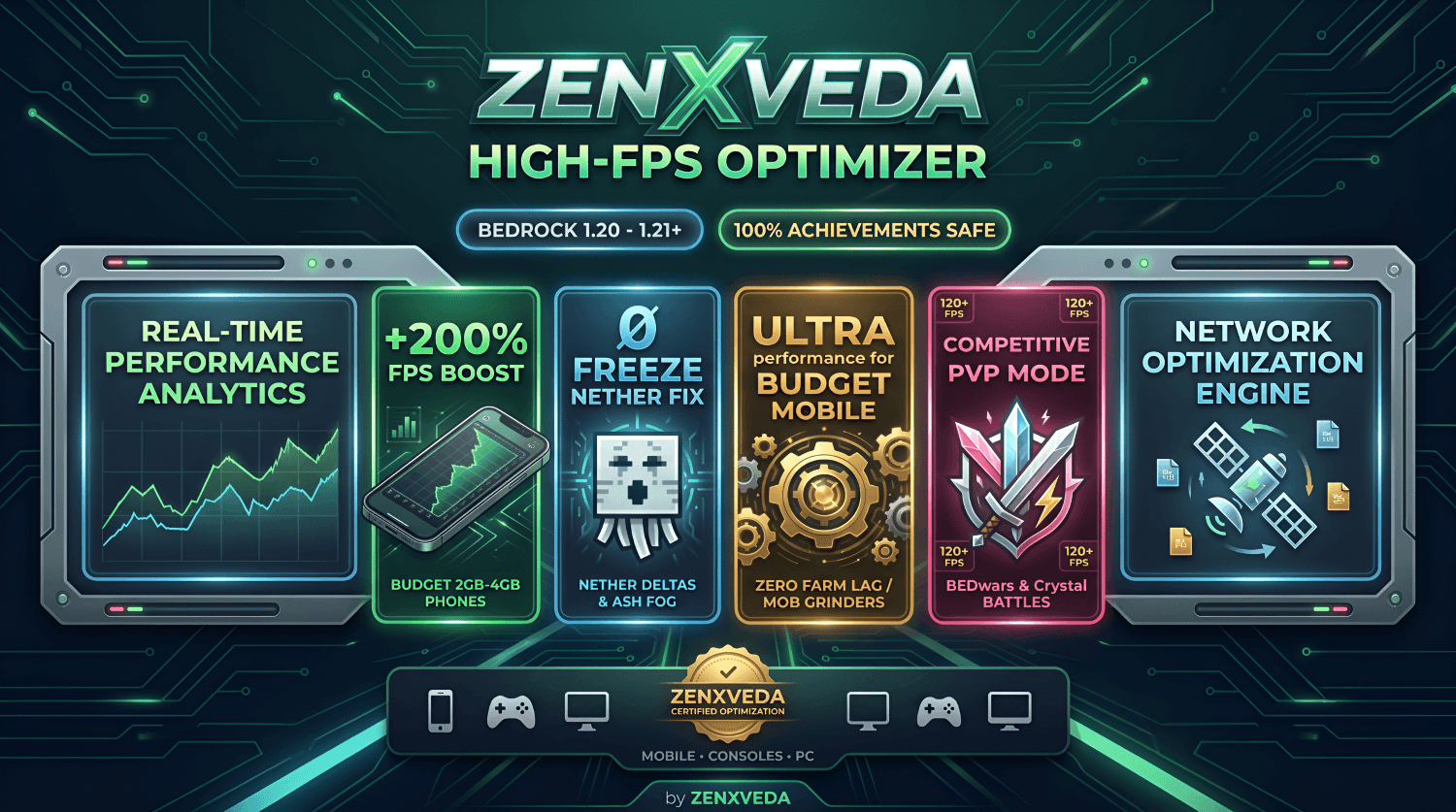




O(N) herd detection guarantees tamed pets, villagers, named mobs & animal pens never despawn.20.0), mob counts & ground clutter anytime by typing !fps in chat.

📊 Real-World FPS Benchmarks

📦 1-Click Installation (.mcaddon vs .mcpack)
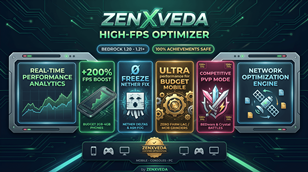
!fps live TPS HUD, anti-crash XP clustering & 100% pet protection!
⚙️ 3 Subpack Profiles & 190+ Muted Particles
activation_expression: 0) with aggressive horizon fog culling. Built for 2GB–4GB RAM phones & Switch!| Subpack Profile | Overworld Fog | Underwater Vision | Liquid / Fire Tick |
|---|---|---|---|
| Balanced Mode | 0.85 – 1.00 (Smooth) | 64 Blocks | 3–6 Ticks / Frame |
| Ultra FPS (Potato) | 0.65 – 0.85 (Max Culling) | 40 Blocks | 8–16 Ticks / Frame |
| Competitive PvP | 0.94 – 1.00 (Max Sightline) | 120 Blocks (Clear) | 4–8 Ticks / Frame |

🔍 Technical Breakdown & Proof
white_ash suppression + custom fog curve.!fps in chat or run /function zen_config to open an in-game modal menu and toggle the live Actionbar monitor for Server TPS, Loaded Mobs, Ground Items, and Active XP Orbs.activation_expression: 0 inside particle definitions instead of transparent PNGs, reducing GPU draw calls to zero.player.addExperience().cobblestone, netherrack, rotten_flesh) only when world ground items exceed 80.100% Permanently Protected Entities (Never Despawned):
- Tamed Pets & Named Mobs: Wolves, Cats, Parrots, Horses, Donkeys, Mules, Llamas, Camels, Axolotls, and any mob with a Name Tag.
- Leashed, Baby & Vehicle Mobs: Any mob on a Lead, all Baby animals, and mobs inside Boats, Chest Boats, or Minecarts.
- Survival Breeding Pens: Any cluster of 3+ animals within 6 blocks (Cows, Sheep, Pigs, Chickens, Rabbits, Goats, Bees, Armadillos, Frogs, Turtles—even mixed species!).
- Villagers & Utility Mobs: Villagers, Iron Golems, Snow Golems, Allays, Sniffers, Armor Stands, and Boss Mobs (Wither, Warden, Dragon, Elder Guardian).
Fast-Cleared Clutter (Only when 80+ loose items exist):
cobblestone, cobbled_deepslate, netherrack, basalt, dirt, gravel, rotten_flesh, gold_nugget, stone_sword, golden_sword, bow.
- Added Real-Time Performance Analytics HUD: Toggleable live Actionbar readout displaying current Server TPS (
20.0), Loaded Mobs, Ground Items, and XP Orbs. - Fixed Subpack Fog Slider Binding: Re-linked fog files across Balanced, Potato, and Competitive subpacks for instantaneous profile switching.
- Resolved 13 Particle ID Collisions: Removed duplicate particle overrides so flames, rain splashes, and explosions mute properly in Potato Mode without affecting PvP hit markers.
- Nether Ash & Spore Suppression: Added engine suppression for white ash, ash, crimson spore, and warped spore emitters.
- Anti-Crash XP Orb Direct Awarding: Excess XP orbs beyond the cap of 25 are directly transferred to nearby players.
- Upgraded Herd & Vehicle SafeGuard: Added
O(N)spatial pen protection for multi-species animal enclosures. - Standalone Global Resources: Decoupled RP manifest from BP UUID for 100% warning-free Global Resources support.
Q: Will this despawn my pets, villagers, or breeding pen animals?
No! Tamed pets, leashed mobs, baby animals, villagers, boat mobs, and animal breeding pens are 100% protected.
Q: Are Xbox Achievements kept enabled?
Yes when using the Resource Pack (RP)! Activating the Resource Pack in Global Resources or on your world keeps achievements 100% active.
Q: Can I use this on Featured Servers (The Hive, CubeCraft, Lifeboat)?
Yes! Activate the Resource Pack via Settings → Global Resources to boost FPS across all public servers.
Q: How do I toggle the Live TPS HUD in-game?
Type !fps in chat or run /function zen_config to open the settings menu and enable the Actionbar HUD.
Q: Which setting gives the highest FPS boost on mobile phones?
Ultra FPS Boost (Potato Mode) gives maximum performance by turning off all 190+ particles and applying aggressive horizon fog culling.
🌟 Join the ZenXveda Community 🌟







The Ultimate Guide to ZenXveda High-FPS Optimizer
If you are exploring the vast world of Minecraft modifications, ZenXveda High-FPS Optimizer by ZenXveda is a standout mod that deserves your attention. With over 12,217 downloads, it has become a staple for players looking to enhance their experience. As the creator describes it, this project is "Maximum FPS boost optimizer and PvP performance enhancer that removes particle lag, improves Render Dragon shaders, and fixes stutters for mobile, console, and PC.". Whether you are a veteran builder constructing massive cities, or simply a casual player looking to upgrade your survival world, this guide will provide you with all the essential details on how ZenXveda High-FPS Optimizer alters the game.
What Makes It Special?
Unlike standard mods that simply alter superficial elements, ZenXveda High-FPS Optimizer digs deep into the game's engine to provide a cohesive, performance-focused experience. ZenXveda has clearly spent significant time refining the project to ensure that every aspect feels polished and responsive for version 1.21.132.
Installation Guide
Getting ZenXveda High-FPS Optimizer up and running is straightforward. Follow these step-by-step instructions:
- Verify Your Version: Ensure your Minecraft launcher is set to version 1.21.132.
- Install Mod Loader (if required): If this is a mod, download the compatible loader (Forge, Fabric, NeoForge).
- Download the File: Click the secure download button above to retrieve the official file from CurseForge.
- Move the File: Place the downloaded file into your `mods`, `shaderpacks`, or `resourcepacks` folder depending on the mod type.
- Launch and Enjoy: Open Minecraft, navigate to the respective settings menu, and activate ZenXveda High-FPS Optimizer.
Compatibility & Performance
Compatibility is robust. ZenXveda High-FPS Optimizer is designed specifically for version 1.21.132, taking full advantage of the latest engine optimizations. Since this is heavily focused on optimization, you can expect significant frame rate improvements on both low-end and high-end hardware.