Why Project: MistBound is a top-tier shader mod for Minecraft 1.21
Developed by the talented creator Dextrecs, Project: MistBound stands out as a highly recommended selection for your Minecraft client. It is fully optimized, compatibility-tested, and brings a major upgrade to the gameplay experience in Minecraft version 1.21.
⚙️ Quick Resource Specs
| Mod Creator | Dextrecs |
| Latest Version | 1.21 |
| Supported Game Versions | Minecraft 1.21+ |
| File Size | 2.10 MB |
| Last Updated | |
| Total Downloads | 394 downloads |
🌫️ Project: MistBound
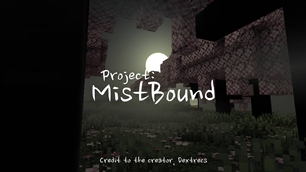
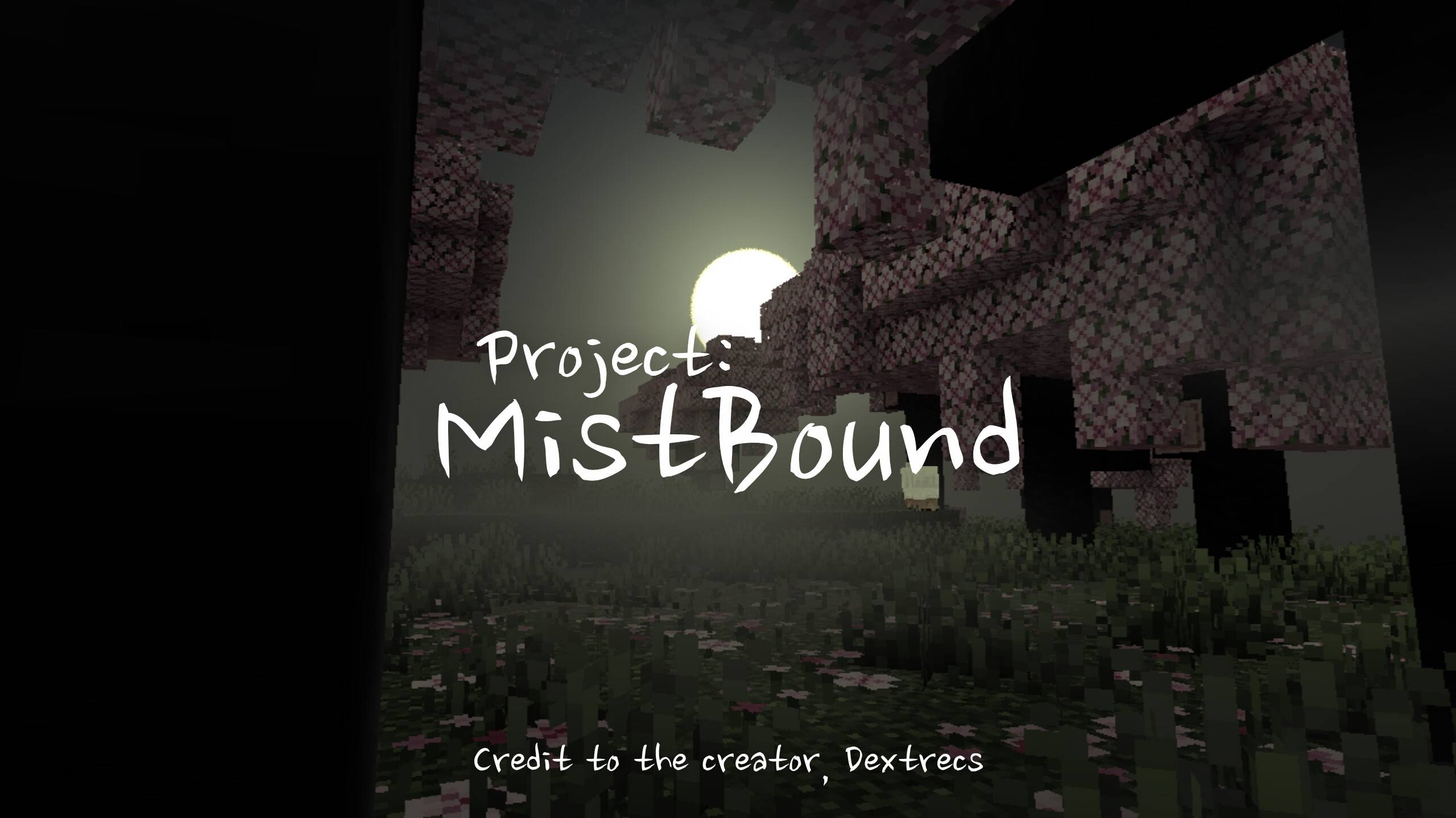
Project: MistBound is an unofficial fork of Newb X Legacy by devendrn, designed to drag your Minecraft Bedrock experience into a chilling, atmospheric nightmare. It focuses on delivering a desolate, fog-choked, and claustrophobic atmosphere perfect for horror maps, liminal space exploration, and eerie survival gameplay.
✨ What Makes MistBound Special?
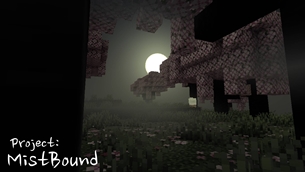
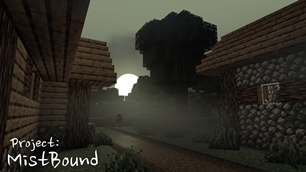
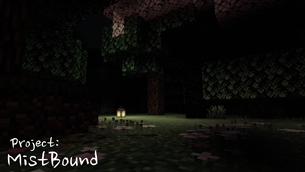
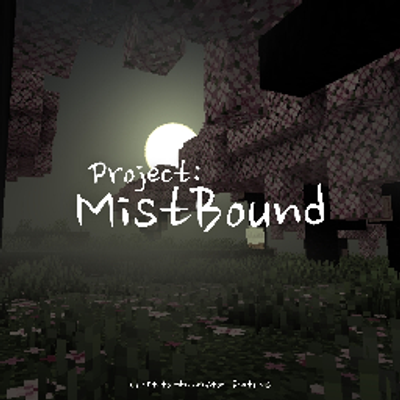
- 🌑 Crushing Darkness & Fog: Dense, volumetric fog rolls across the landscape, swallowing the horizon and leaving you isolated in a murky, unknown world.
- 🌥️ Sickly, Desaturated Skies: The vibrant colors of Minecraft are stripped away. Experience pale, unsettling sunlight, heavy overcast skies, and pitch-black nights where danger lurks just out of sight.
- 🌲 Subverted Environments: Once-beautiful biomes are now twisted and eerie. Waving foliage casts deep, unnatural shadows, while calm waters hide unseen depths.
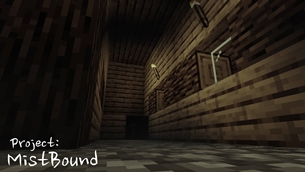
- 🕯️ Claustrophobic Lighting: Deep, impenetrable shadows dominate the world. You will have to rely on scattered light sources—like a single, flickering lantern—to guide your way through the gloom.
📦 Installation (Android)
- Install MB Loader (or your preferred Minecraft Bedrock shader loader).
- Launch Minecraft through MB Loader.
- Go to Settings > Global Resources.
- Activate Project: MistBound and prepare to get lost.
📜 Credits & License
- Base Source Code: Based on Newb Shader by devendrn.
- License: Licensed under the MIT License.
- Disclaimer: This is an unofficial fork and is not affiliated with or endorsed by the official Newb project.
Massive thanks to devendrn for the original base code that made this project possible.
🐛 Issues & Feedback
Found a bug? Have a suggestion to make the horror experience even better?
- Leave a comment in the Comments section!
Your feedback helps make Project: MistBound the best it can be!
The Ultimate Guide to Project: MistBound
If you are exploring the vast world of Minecraft modifications, Project: MistBound by Dextrecs is a standout shader that deserves your attention. With over 394 downloads, it has become a staple for players looking to enhance their experience. As the creator describes it, this project is "Project: MistBound is an unofficial fork of Newb X Legacy by devendrn. Step into a world of heavy fog, sickly lighting, and crushing darkness. This shader is optimized for a chilling, horror-focused gameplay experience. Lose yourself in the mist.". Whether you are a veteran builder constructing massive cities, or simply a casual player looking to upgrade your survival world, this guide will provide you with all the essential details on how Project: MistBound alters the game.
What Makes It Special?
Unlike standard shaders that simply alter superficial elements, Project: MistBound introduces a wide array of visual and mechanical features designed to seamlessly blend into the vanilla aesthetic. Dextrecs has clearly spent significant time refining the project to ensure that every aspect feels polished and responsive for version 1.21.
Installation Guide
Getting Project: MistBound up and running is straightforward. Follow these step-by-step instructions:
- Verify Your Version: Ensure your Minecraft launcher is set to version 1.21.
- Install Mod Loader (if required): If this is a mod, download the compatible loader (Forge, Fabric, NeoForge).
- Download the File: Click the secure download button above to retrieve the official file from CurseForge.
- Move the File: Place the downloaded file into your `mods`, `shaderpacks`, or `resourcepacks` folder depending on the shader type.
- Launch and Enjoy: Open Minecraft, navigate to the respective settings menu, and activate Project: MistBound.
Compatibility & Performance
Compatibility is robust. Project: MistBound is designed specifically for version 1.21, taking full advantage of the latest engine optimizations. During typical gameplay, this addition maintains a stable frame rate, though lower-end laptops might experience slight stuttering. We recommend pairing this with performance boosters like Sodium or Iris to guarantee a silky-smooth experience.