Why LIVELY VISUALS is a top-tier shader mod for Minecraft 1.21.100
Developed by the talented creator GURJAR, LIVELY VISUALS stands out as a highly recommended selection for your Minecraft client. It is fully optimized, compatibility-tested, and brings a major upgrade to the gameplay experience in Minecraft version 1.21.100.
⚙️ Quick Resource Specs
| Mod Creator | GURJAR |
| Latest Version | 1.21.100 |
| Supported Game Versions | 1.21.100, 1.21.80 |
| File Size | 73.22 KB |
| Last Updated | |
| Total Downloads | 1,293 downloads |
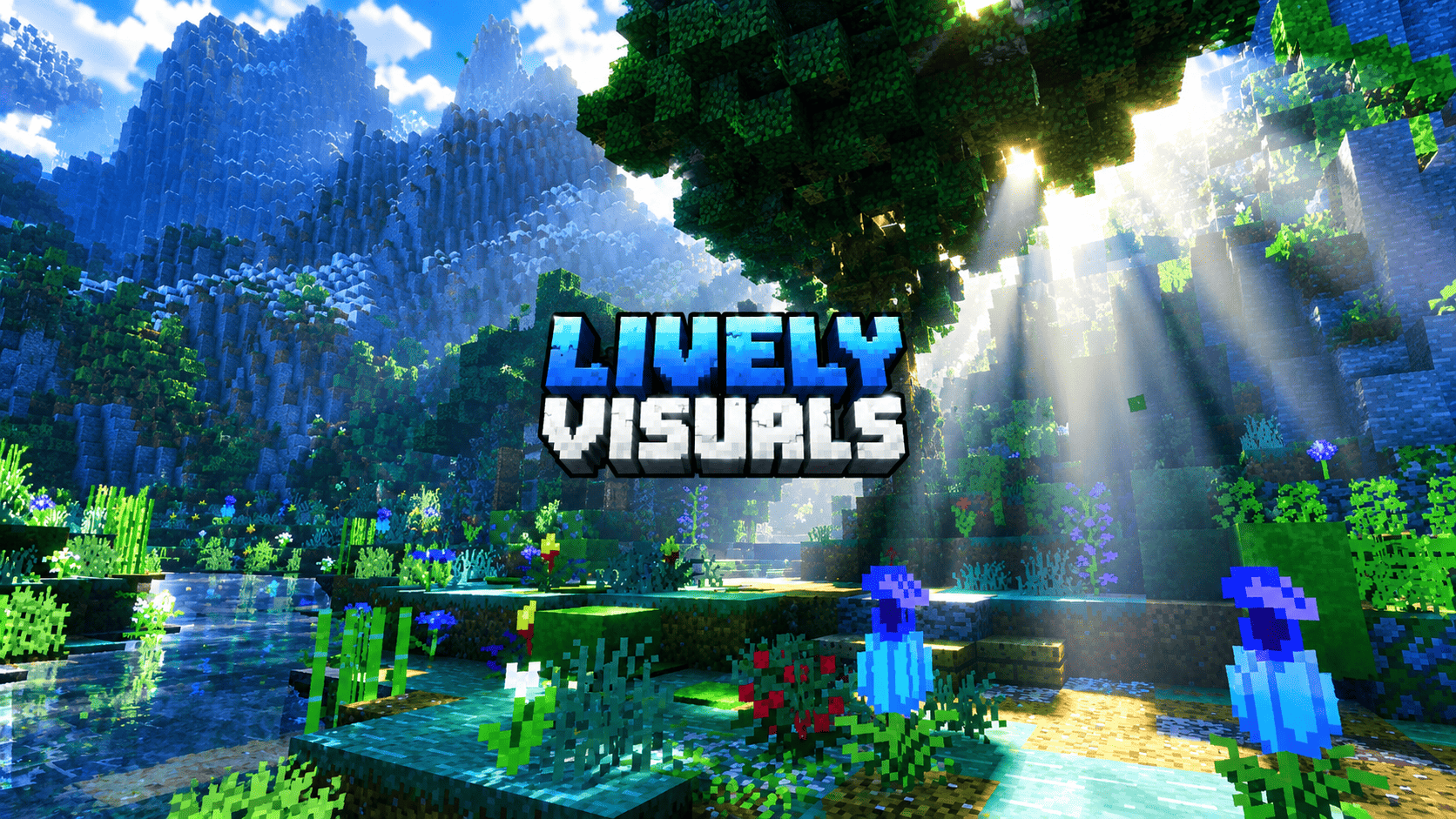
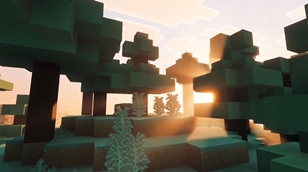
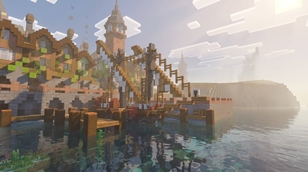
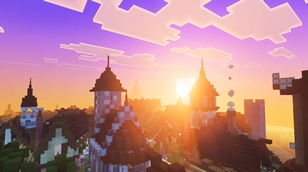
LIVELY VISUALS is an original Bedrock visual-settings resource pack by GURJAR, created for worlds using Vibrant Visuals. Its art direction is cinematic yet readable: preserve the familiar block-built world, then shape its mood with daylight color, atmospheric depth, soft contrast, and clearer moving water. The pack does not replace terrain, add structures, or reproduce any supplied screenshot.
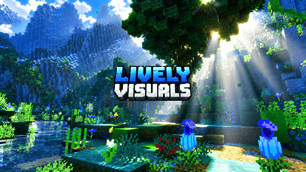
Across forests and jungles, the profile balances evergreen shade with a gentle leaf-toned ambient lift. Warm directional light and restrained scattering can reveal shafts through canopy gaps when the camera, weather, and geometry allow. Forest water receives a subtle cool-green character, modest surface motion, and the game’s built-in caustic effect underwater.
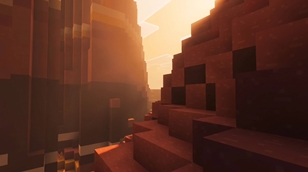
Cherry groves and flower-rich scenes receive a rose-and-lilac atmosphere. Dawn and sunset shift toward soft pink, while daytime stays bright enough to preserve pale blossoms and block textures. Saturation is raised cautiously so petals stand out without turning foliage neon. Plains, savannas, and village settings lean into honeyed sunlight, warm lantern accents, and readable cool shade. Badlands and desert terrain use copper, terracotta, and burnt-orange tones, with a restrained horizon glow that keeps cliff edges and alcoves visible instead of flattening them into red.
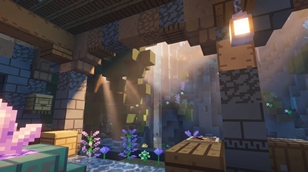
Water and underwater spaces are part of the scene rather than a separate filter. The presets favor clean blue, turquoise, or green-blue appearances by biome family, with calmer waves intended to add movement without hiding the block palette. Caustics use Minecraft’s built-in rendering resource; no copied caustic image is included. Underwater fog stays blue and moderately transparent, allowing ruins, plants, and lanterns to remain readable while light shafts appear only where the renderer and scene support them.
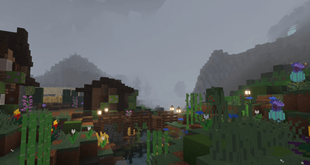
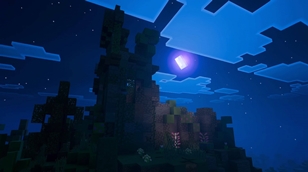
Cold mountains use crisp blue daylight and cool shadows. Flower gardens can use a softer mist profile, while caves receive conservative ambient lift so contrast remains useful during play. Night settings favor deep blue skies, pale moonlight, and visible silhouettes rather than crushed black. Across the pack, color grading is restrained: highlights retain detail, shadows keep texture, and the block-based visual language remains recognizable.
LIVELY VISUALS is a resource-pack configuration, not a replacement graphics engine, universal shader injector, or promise of identical screenshots on every device. Results depend on game build, supported hardware, Vibrant Visuals availability, graphics preset, biome, time, weather, resource-pack order, and the camera’s view of the sun. Activate the pack and select Vibrant Visuals in Video settings. Use the modern package on supported stable versions; the separate 1.21.80 build is an experimental legacy profile for builds where that renderer accepts resource-pack settings.
The design began from nine user-provided references, studied for broad qualities such as dawn direction, forest contrast, sunset hue, underwater shafts, mist, and night color. Those images are not included, and no third-party shader code, texture, logo, or screenshot has been copied into this pack. The settings, profile names, icon artwork, short description, and image prompts were created specifically for LIVELY VISUALS. The pack adds atmosphere without changing gameplay, world generation, or player-built structures, so it can be tried in an existing world after making a backup.
For publication, identify the creator as GURJAR and the project as LIVELY VISUALS. This is an independent fan-made resource pack, not an official Minecraft product. Before publishing, select a distribution license and upload version that match your plans and CurseForge’s current requirements. Test the exact release file on the game versions and devices you list, and invite users to report issues with their device, game version, graphics mode, and active packs. The goal is a more expressive world that remains unmistakably Minecraft: warm light, cool shade, clear water, richer color, and room for each player’s own creation to shine.
The Ultimate Guide to LIVELY VISUALS
If you are exploring the vast world of Minecraft modifications, LIVELY VISUALS by GURJAR is a standout shader that deserves your attention. With over 1,293 downloads, it has become a staple for players looking to enhance their experience. As the creator describes it, this project is "Original Bedrock Vibrant Visuals settings for cinematic dawn shafts, biome-tinted skies, readable shadows, soft mist, cool nights, and calmer water. By GURJAR.". Whether you are a veteran builder constructing massive cities, or simply a casual player looking to upgrade your survival world, this guide will provide you with all the essential details on how LIVELY VISUALS alters the game.
What Makes It Special?
Unlike standard shaders that simply alter superficial elements, LIVELY VISUALS introduces a wide array of visual and mechanical features designed to seamlessly blend into the vanilla aesthetic. GURJAR has clearly spent significant time refining the project to ensure that every aspect feels polished and responsive for version 1.21.100.
Installation Guide
Getting LIVELY VISUALS up and running is straightforward. Follow these step-by-step instructions:
- Verify Your Version: Ensure your Minecraft launcher is set to version 1.21.100.
- Install Mod Loader (if required): If this is a mod, download the compatible loader (Forge, Fabric, NeoForge).
- Download the File: Click the secure download button above to retrieve the official file from CurseForge.
- Move the File: Place the downloaded file into your `mods`, `shaderpacks`, or `resourcepacks` folder depending on the shader type.
- Launch and Enjoy: Open Minecraft, navigate to the respective settings menu, and activate LIVELY VISUALS.
Compatibility & Performance
Compatibility is robust. LIVELY VISUALS is designed specifically for version 1.21.100, taking full advantage of the latest engine optimizations. During typical gameplay, this addition maintains a stable frame rate, though lower-end laptops might experience slight stuttering. We recommend pairing this with performance boosters like Sodium or Iris to guarantee a silky-smooth experience.