Why Bland VISUALS is a top-tier shader mod for Minecraft 1.21.130
Developed by the talented creator UDGAMER, Bland VISUALS stands out as a highly recommended selection for your Minecraft client. It is fully optimized, compatibility-tested, and brings a major upgrade to the gameplay experience in Minecraft version 1.21.130.
⚙️ Quick Resource Specs
| Mod Creator | UDGAMER |
| Latest Version | 1.21.130 |
| Supported Game Versions | 1.21.130, 1.21.100, 1.21.80 |
| File Size | 2.21 MB |
| Last Updated | |
| Total Downloads | 566 downloads |
Bland VISUALS — the light your builds deserved
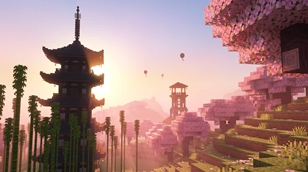
You know that feeling when you finish a cherry grove base at sunset, fly up for a screenshot, and the sky just… sits there? Flat blue, pale sun, no glow, no mood. Bland VISUALS exists for that exact moment.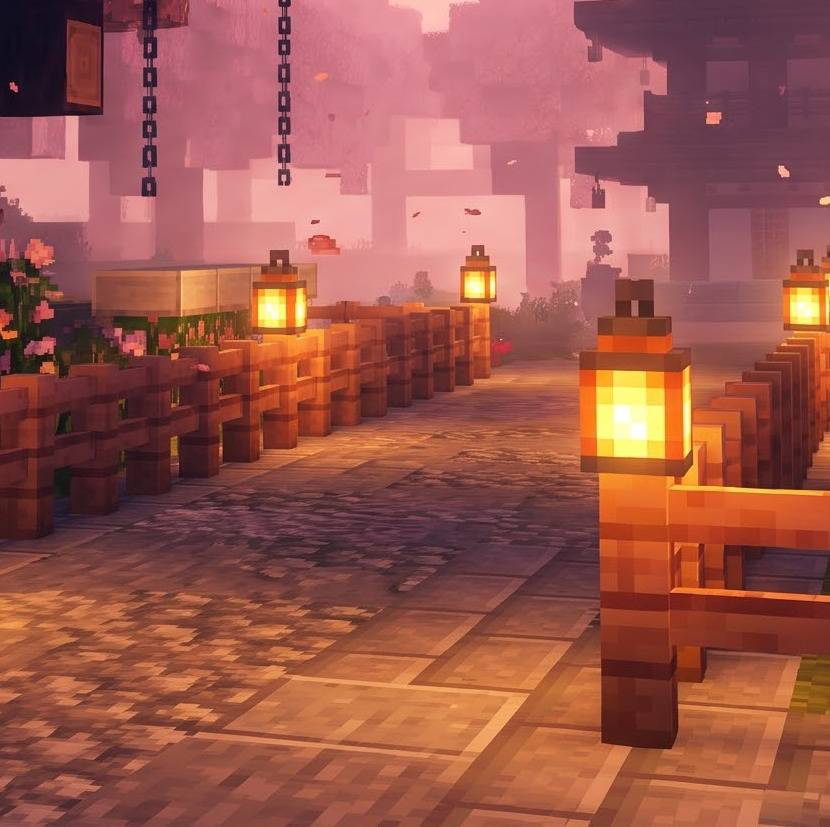
Bland VISUALS is a hand-authored lighting pack for Minecraft Bedrock and Pocket Edition, built entirely on the official Vibrant Visuals renderer. It does not replace your blocks, it does not touch your builds, and it does not need any loader. It simply changes the light, the sky, the water and the colour grade so that every biome finally feels like the place you imagined while building it.
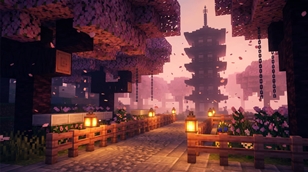
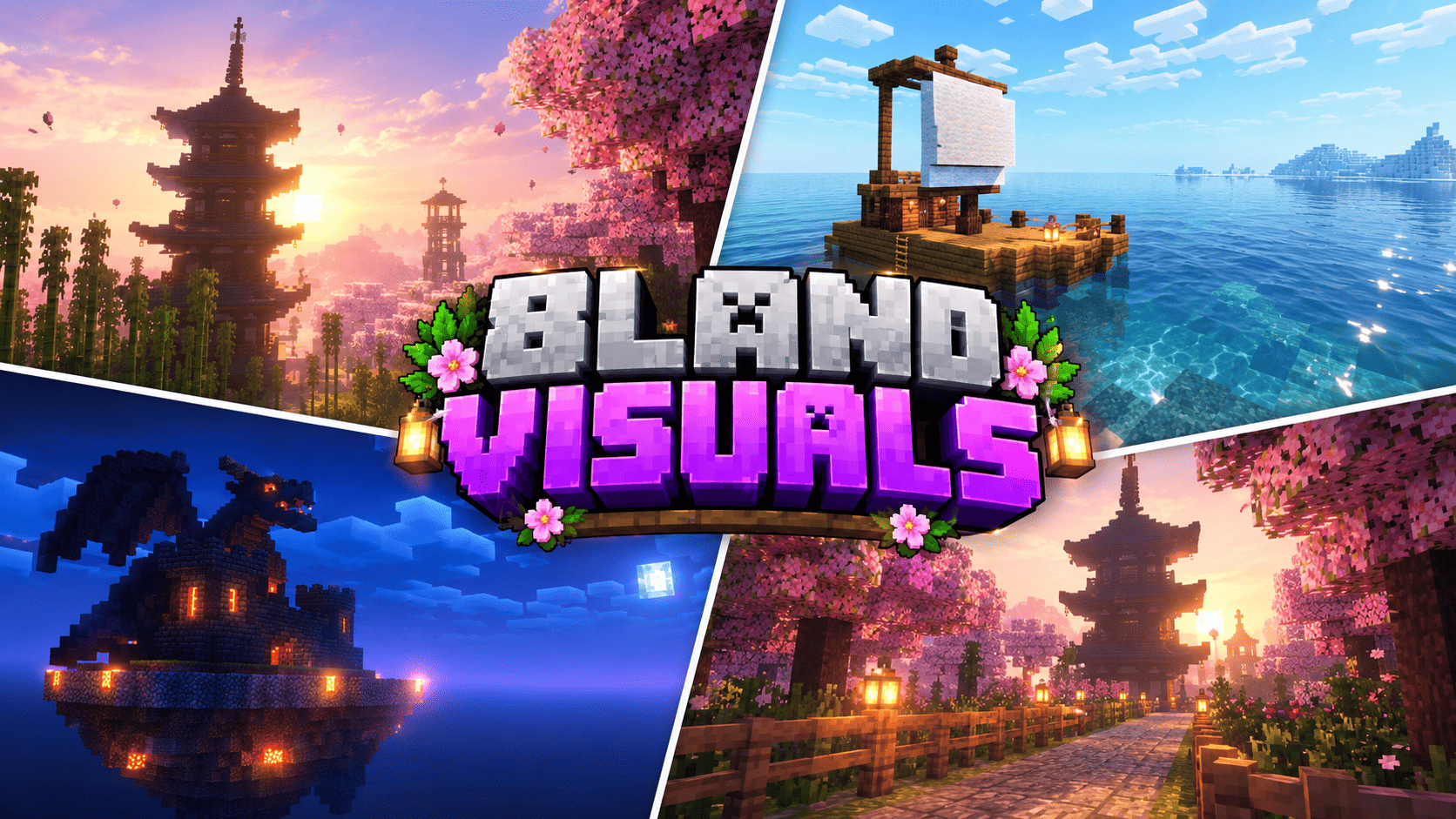
A sun worth looking at. The sun is bigger, warmer and physically calibrated. At noon it is clean and bright so you can build comfortably. At sunrise and sunset it drops into a wide amber bloom, spilling light across the horizon and pushing soft golden shafts between your trees, through your windows and under your bridges. Nine different biome moods decide what colour that sunset is: pink over a cherry grove, green-gold in a jungle, amber over badlands, blush over snow.
Skies with a memory. Every biome group carries its own atmosphere recipe — Rayleigh scattering, sun Mie strength, horizon blend stops and sky colours — all written from scratch and keyframed across the whole day. Cross from a blossom grove into a dark forest and the sky quietly shifts from rose to velvet twilight instead of snapping back to vanilla.
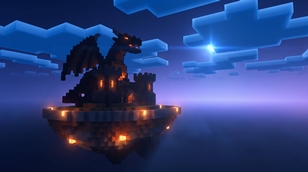
Nights that read. Vanilla nights are flat grey; Bland VISUALS nights are deep blue and moonlit. The moon is a high-resolution eight-phase body with craters and a soft halo, moonlight is three times stronger than vanilla, and ambient light is raised from a barely visible 0.03 lux to a usable 0.38–2.30 lux. Torches, lanterns, campfires, soul lights, glowstone, froglights and candles all emit their own authored colours, so a torch-lit path looks like a path and not like a grey corridor.
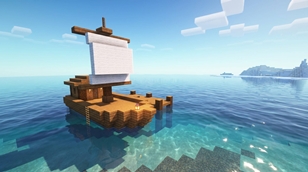
Water you want to sail on. Six water presets cover ocean, deep ocean, river, swamp, icy and default. Add gentle animated waves and animated caustics on the seabed, and shallow seas turn turquoise while deep oceans fall away into navy. The boat you built last month finally looks like a boat.
Reflections and surfaces. Roughness values are sharpened so screen-space reflections read on stone, wood, polished blocks and, most of all, water. Metal keeps its character, glass stays readable, and wet-looking surfaces catch the sky instead of washing out.
Honest performance. There are no shader programs, no custom models and no texture replacements. Everything is data on the renderer Mojang already ships, so the cost sits close to Vibrant Visuals itself. On a mid-range phone, drop Render Distance and Volumetric Fog to Medium and you still keep the colour, the sun and the sky, because those are atmosphere values rather than post-processing tricks.
What you get
- 109 vanilla biomes mapped across nine lighting worlds plus the Nether
- 11 atmosphere presets, 11 lighting presets, 11 colour grading presets, 11 volumetric fog presets
- Custom 1024×1024 sun and 3072×1536 eight-phase moon, 2048×2048 clouds — all drawn from scratch
- ACES tone mapping with 1.16–1.42 saturation and separate shadow, midtone and highlight grading
- 17 recoloured light blocks, six water types, waves and caustics
Setup takes one minute. Import the .mcpack, open your world settings, activate it under Global Resources, make sure Graphics Mode is set to Vibrant Visuals, and re-enter the world once. Then find somewhere high, wait for the sun to drop, and take the screenshot you came here for.
Made by UDGAMER. Every preset, colour curve, fog definition, light colour and all four sky textures were authored from scratch for this pack. No third-party shader code, presets, textures or models were used. Thanks to the Minecraft Bedrock creator community for keeping custom lighting alive.
The Ultimate Guide to Bland VISUALS
If you are exploring the vast world of Minecraft modifications, Bland VISUALS by UDGAMER is a standout shader that deserves your attention. With over 566 downloads, it has become a staple for players looking to enhance their experience. As the creator describes it, this project is "Bland VISUALS turns Minecraft Bedrock into golden hour: a huge glowing sun, blossom-pink skies, god rays through the trees, mirror-clear water and blue moonlit nights. Pure Vibrant Visuals, no lag, no texture swaps. By UDGAMER.". Whether you are a veteran builder constructing massive cities, or simply a casual player looking to upgrade your survival world, this guide will provide you with all the essential details on how Bland VISUALS alters the game.
What Makes It Special?
Unlike standard shaders that simply alter superficial elements, Bland VISUALS introduces a wide array of visual and mechanical features designed to seamlessly blend into the vanilla aesthetic. UDGAMER has clearly spent significant time refining the project to ensure that every aspect feels polished and responsive for version 1.21.130.
Installation Guide
Getting Bland VISUALS up and running is straightforward. Follow these step-by-step instructions:
- Verify Your Version: Ensure your Minecraft launcher is set to version 1.21.130.
- Install Mod Loader (if required): If this is a mod, download the compatible loader (Forge, Fabric, NeoForge).
- Download the File: Click the secure download button above to retrieve the official file from CurseForge.
- Move the File: Place the downloaded file into your `mods`, `shaderpacks`, or `resourcepacks` folder depending on the shader type.
- Launch and Enjoy: Open Minecraft, navigate to the respective settings menu, and activate Bland VISUALS.
Compatibility & Performance
Compatibility is robust. Bland VISUALS is designed specifically for version 1.21.130, taking full advantage of the latest engine optimizations. During typical gameplay, this addition maintains a stable frame rate, though lower-end laptops might experience slight stuttering. We recommend pairing this with performance boosters like Sodium or Iris to guarantee a silky-smooth experience.