Why Lunar Client | FPS Boost Optimizer is a top-tier shader mod for Minecraft 1.21.132
Developed by the talented creator YashGameplay, Lunar Client | FPS Boost Optimizer stands out as a highly recommended selection for your Minecraft client. It is fully optimized, compatibility-tested, and brings a major upgrade to the gameplay experience in Minecraft version 1.21.132.
⚙️ Quick Resource Specs
| Mod Creator | YashGameplay |
| Latest Version | 1.21.132 |
| Supported Game Versions | 1.21.132, 1.21.131, 1.21.130, 1.21.124, 1.21.123 |
| File Size | 871.74 KB |
| Last Updated | |
| Total Downloads | 6,170 downloads |
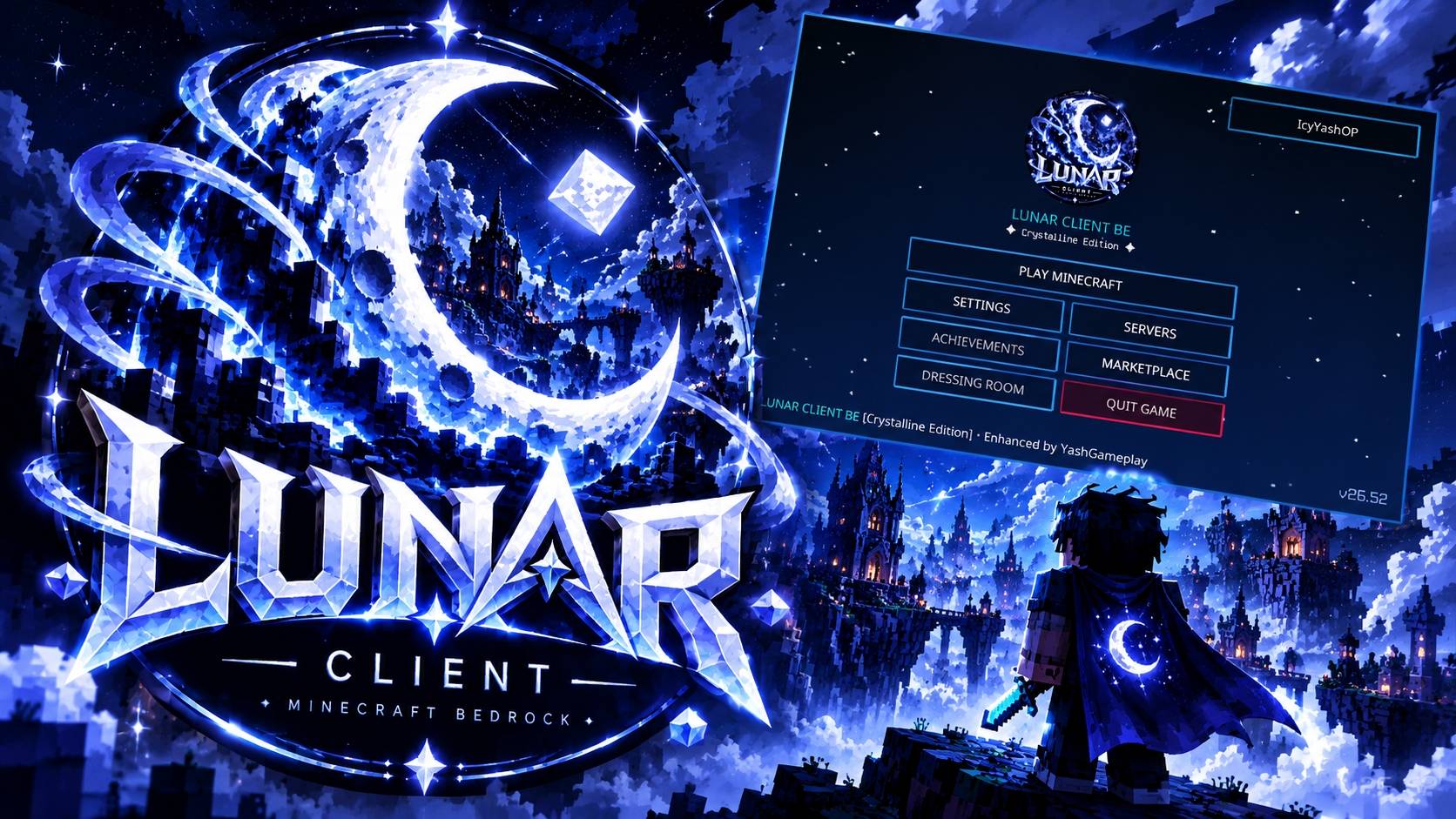
🌙 Lunar Client BE [MCPE / PC] — Crystalline Edition
The Definitive Esports PvP & Aesthetic Client for Minecraft Bedrock Edition (1.20 - 1.21+)
Welcome to Lunar Client BE [Crystalline Edition] — an all-in-one competitive PvP client and visual overhaul built 100% natively from scratch for Minecraft Bedrock Edition (Windows 10/11 PC, Android/MCPE, iOS, and Consoles).
Forget sloppy Java ports and recycled textures. Lunar Client BE delivers a unified, high-performance aesthetic: deep obsidian bases, razor-sharp crystalline geometry, and luminous ice-blue accents designed specifically for competitive combat and seamless FPS.
⚡ Key Highlights at a Glance
- ⚔️ 100% Original Crystalline PvP Combat Items — No copied assets; completely bespoke weapons, tools, and gear.
- 🛡️ Low-Profile Lunar Shield & Low-Fire Overlay — Maximize combat screen clearance and peripheral vision.
- 🌌 Celestial Moon Spirit Totem — Custom idol with glowing cyan eyes and crystalline star burst effects.
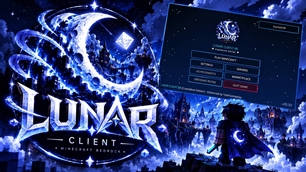
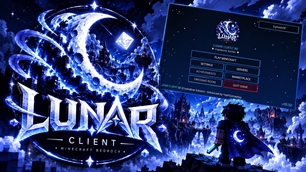
- 🖥️ Modern Centered Esports Hub — Sleek main menu, dark glass containers, and responsive UI controls.
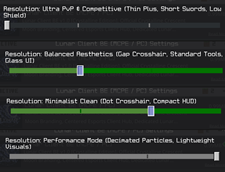
- 🎛️ 4 Built-in Subpacks — Switch between Competitive, Balanced, Minimalist, and Performance modes with a single click.
- 🚀 Zero Lag & Server Safe — 100% compatible with The Hive, CubeCraft, NetherGames, and Zeqa.
⚔️ 1. Complete Combat & Item Overhaul
Every single combat item has been re-engineered for maximum competitive clarity and elegance:
🗡️ Bespoke Diagonal PvP Swords
- Shorter, cleaner PvP silhouette designed for fluid combo tracking and fast target acquisition.
- Unique material identity:
- Wood: Sleek carved timber blade with dark grip.
- Stone: Rugged, honed slate edges with chipped accents.
- Iron: Polished mirror-silver geometry with clean glint.
- Gold: Regal warm gold blade with subtle crystalline luster.
- Diamond: Signature Lunar cyan crystal blade with ice-blue guard.
- Netherite: Dark graphite core with silver-forged edge lines.
- Star-gem quillons, octagonal pommels, and razor apex tips on every blade.
🪓 24 Crystalline Tools & Mace
- Axes, Pickaxes, Shovels, and Hoes featuring forged pommel caps, silver ferrules, and reinforced hafts.
- 1.21 Heavy Core Crystalline Mace with devastating visual weight and ice-blue impact accents.
🛡️ Custom Crystalline Lunar Shield
- Dark obsidian face framed by a 1px glowing ice-blue rim and centered crescent moon emblem.
- Low-Profile Combat Model: Repositioned in first-person view to eliminate the obstructive vanilla shield block while preserving 100% blocking clarity.
🗿 Celestial Moon Spirit Totem
- Unique celestial idol featuring glowing cyan eyes, crescent chest motif, and ethereal crystalline wings.
- Elegant cyan-white particle burst on activation instead of screen-blinding yellow clutter.
🔥 Clean Low-Fire Overlay
- Combat-focused low-fire design: upper 60% of the screen remains completely crystal clear.
- Low corner flame lick with deep orange/red base and subtle blue-hot highlights. Full soul fire support included.
🍎 High-Readability Utility & Projectiles
- Golden Apple & Enchanted Apple: 3D faceted gold gloss with crystalline cyan leaf.
- Ender Pearl: Dark cosmic core with luminous cyan refraction ring.
- Fishing Rod: Graphite and silver cast rod with ultra-clean line visibility.
- Projectiles: Aerodynamic faceted snowballs, polished eggs, and clean arrow indicators.
- Potion Flasks: Hexagonal crystal vials with instant color-coded identification.
- Armor Icons: 20 polished, uniform armor icons across Leather, Iron, Gold, Diamond, and Netherite.
- Crit & Hit Particles: 4-point ice-blue star sparks for crisp hit confirmation.
🖥️ 2. Esports Client Interface & Translucent HUD
- Centered Esports Main Menu: Modernized start screen featuring the prominent circular crescent moon emblem, Play Game hero button, and direct access to vanilla Settings.
- Midnight Glass Containers: Translucent inventory, crafting table, chest, furnace, and brewing stand interfaces so you never get snuck up on while looting.
- Clean Crosshair Options: Pixel-perfect crosshairs tailored for accurate bow aiming and fast sword tracking.
🎛️ 3. Built-in Subpacks (Choose Your Playstyle)
Access the gear/wrench icon in Settings > Global Resources > Lunar Client BE to choose your preferred mode:
| Subpack Mode | Focus | Features Included |
|---|---|---|
| 1. Ultra PvP & Competitive (Default) | Maximum Combat Advantage | Thin Plus Crosshair, Short Swords, Low Shield, Low Fire, Full Particle Feedback |
| 2. Balanced Aesthetics | Visuals + Performance | Gap Crosshair, Standard Pro Tools, Translucent Midnight Glass UI |
| 3. Minimalist Clean | Pure Simplicity | Dot Crosshair, Compact HUD, Streamlined Hotbar |
| 4. Performance Mode | Ultra FPS Boost | Decimated Particles, Lightweight Visual Assets, Zero Lag on low-end mobile devices |
🌐 4. Compatibility & Server Rules
- Bedrock Versions: Minecraft Bedrock 1.20, 1.20.80, 1.21.0, 1.21.20+ and all upcoming retail releases.
- Platforms: Windows 10/11 PC, Android (MCPE), iOS / iPadOS, Xbox, PlayStation, Nintendo Switch.
- Multiplayer Safe: 100% cosmetic resource pack. Contains no unfair exploits, fly hacks, or unapproved features. Fully allowed on:
- The Hive
- CubeCraft Games
- NetherGames Network
- Zeqa Network
- Galaxite
- Private SMPs & Realms
📥 5. Installation Instructions
Windows 10 / 11 (PC):
- Download
Lunar_Client_BE.mcpack. - Double-click the downloaded file — Minecraft will open and automatically import the pack.
- In Minecraft, navigate to Settings > Global Resources > My Packs.
- Click Lunar Client BE [MCPE / PC] and select Activate.
- (Optional) Click the Wrench (⚙️) icon to pick your preferred subpack mode.
Android & iOS (MCPE):
- Download
Lunar_Client_BE.mcpack. - Tap the file in your file manager and choose Open with Minecraft.
- Activate the pack under Settings > Global Resources.
📜 Credits & Notice
- Designed & Developed by: YashGameplay
- Theme & Inspiration: Inspired by competitive client design and the iconic Lunar aesthetic.
- Disclaimer: Lunar Client BE is an independent, fan-made resource pack created for the Minecraft Bedrock community. It is not an official product of Moonsworth LLC or Mojang AB.
The Ultimate Guide to Lunar Client | FPS Boost Optimizer
If you are exploring the vast world of Minecraft modifications, Lunar Client | FPS Boost Optimizer by YashGameplay is a standout shader that deserves your attention. With over 6,170 downloads, it has become a staple for players looking to enhance their experience. As the creator describes it, this project is "The ultimate Lunar Client experience for Minecraft Bedrock & MCPE! Custom esports UI, 100% original crystalline PvP textures, low shield, low fire, clean glass HUD, and 4 competitive subpacks. Zero lag, 1.20 - 1.21+ ready!". Whether you are a veteran builder constructing massive cities, or simply a casual player looking to upgrade your survival world, this guide will provide you with all the essential details on how Lunar Client | FPS Boost Optimizer alters the game.
What Makes It Special?
Unlike standard shaders that simply alter superficial elements, Lunar Client | FPS Boost Optimizer introduces a wide array of visual and mechanical features designed to seamlessly blend into the vanilla aesthetic. YashGameplay has clearly spent significant time refining the project to ensure that every aspect feels polished and responsive for version 1.21.132.
Installation Guide
Getting Lunar Client | FPS Boost Optimizer up and running is straightforward. Follow these step-by-step instructions:
- Verify Your Version: Ensure your Minecraft launcher is set to version 1.21.132.
- Install Mod Loader (if required): If this is a mod, download the compatible loader (Forge, Fabric, NeoForge).
- Download the File: Click the secure download button above to retrieve the official file from CurseForge.
- Move the File: Place the downloaded file into your `mods`, `shaderpacks`, or `resourcepacks` folder depending on the shader type.
- Launch and Enjoy: Open Minecraft, navigate to the respective settings menu, and activate Lunar Client | FPS Boost Optimizer.
Compatibility & Performance
Compatibility is robust. Lunar Client | FPS Boost Optimizer is designed specifically for version 1.21.132, taking full advantage of the latest engine optimizations. During typical gameplay, this addition maintains a stable frame rate, though lower-end laptops might experience slight stuttering. We recommend pairing this with performance boosters like Sodium or Iris to guarantee a silky-smooth experience.